That sickening crunch of your iPad hitting the floor is a sound no one wants to hear. It’s almost always followed by one big, panicked question: “How much is this going to cost me?” A cracked screen feels like a catastrophe, but understanding the repair cost is your first step back to normalcy.
The truth is, there’s no single price tag. The final bill depends on your specific iPad model, who you trust with the repair, and whether you have a warranty.
Your Instant Guide to iPad Screen Repair Costs
So, what are we actually talking about in terms of dollars and cents? The iPad screen repair cost can swing wildly, from $150 on the low end to over $700 for the newest, largest models. It really comes down to your iPad and where you take it. Third-party shops like ours are almost always more affordable, while an official Apple repair will cost you more but guarantees original parts.
Navigating your repair options can feel overwhelming, but it boils down to a trade-off between cost, parts, and guarantees. From the premium Apple experience to a budget-friendly local shop, each path has its pros and cons.
Understanding the Price Hierarchy
The single biggest factor driving your repair bill is the iPad model itself. It’s no surprise that fixing an iPad Pro with its stunning Liquid Retina display is a different financial commitment than repairing a standard, entry-level iPad. The more advanced the screen technology, the more expensive the replacement part.
Apple’s own pricing makes this crystal clear. An out-of-warranty screen repair directly from them can range from $249 for a basic iPad all the way up to $749 for the largest iPad Pro models. That’s a significant expense.
However, if you planned ahead and have AppleCare+, you’re in a much better spot. This insurance plan drops the fee to a flat $49 per incident. For a top-tier iPad Pro, that’s a potential savings of over 80% compared to paying out-of-pocket. You can get more details on iPad repair pricing structures to see how these figures stack up for your device.
To give you a clearer picture, here is a quick comparison table. It breaks down what you can expect to pay for an out-of-warranty repair directly from Apple, the much lower fee with AppleCare+, and the general price range you’ll find at an independent repair shop like ours.
Estimated iPad Screen Repair Costs by Model and Service
| iPad Model | Apple Out-of-Warranty Cost | AppleCare+ Service Fee | Typical Third-Party Cost Range |
|---|---|---|---|
| iPad (9th gen) | $249 | $49 | $150 – $200 |
| iPad Air (5th gen) | $449 | $49 | $250 – $350 |
| iPad Pro 11-inch | $499 – $649 | $49 | $300 – $450 |
| iPad Pro 12.9-inch | $699 – $749 | $49 | $400 – $550+ |
This side-by-side view helps you see instantly how your choices can impact your wallet. As you can see, AppleCare+ is a fantastic deal if you have it. For everyone else, a trusted local shop can save you a significant amount of money on the exact same repair.
What Actually Determines Your Final Repair Bill
Ever get a quote for an iPad screen repair and wonder why the price can swing from a manageable $150 to a staggering $700? That number on your bill isn’t just pulled out of thin air. It’s a direct result of a few key factors, and understanding them helps you know what to expect and avoid any sticker shock.
By far, the single biggest factor is your specific iPad model. Think of it like fixing a car—servicing a basic sedan will always be cheaper than working on a high-end sports car because the parts are in different leagues. The same logic applies directly to iPads.
A standard 9th-generation iPad has a fairly simple screen design. An iPad Pro, on the other hand, boasts a stunning Liquid Retina XDR display, a marvel of engineering packed with mini-LEDs and ProMotion technology. Those advanced parts don’t just cost more to produce; they also require more skill to replace, which naturally drives up the final repair cost.
This chart breaks down the different paths that influence what you’ll ultimately pay, from going through Apple to using a local shop like ours.
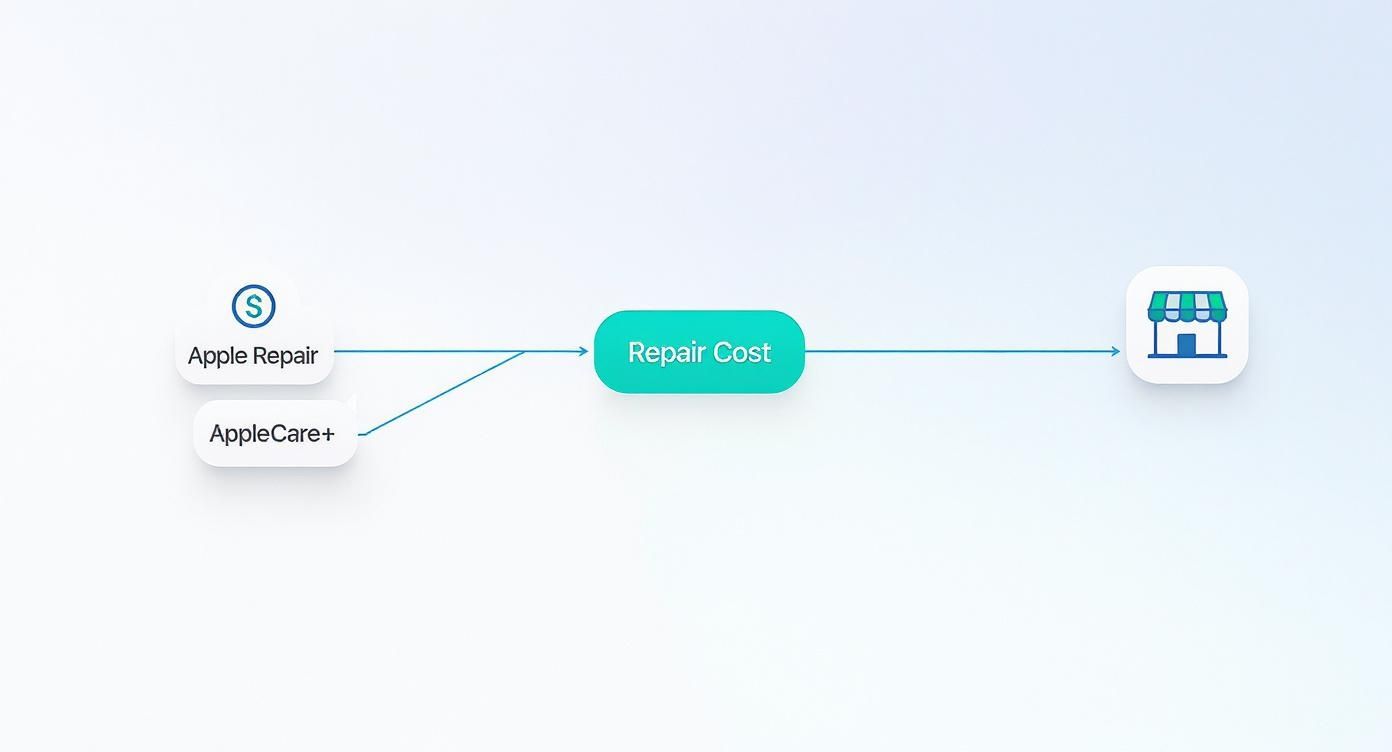
As you can see, your repair journey can take a few different financial routes. AppleCare+ offers a fixed, low price, while out-of-warranty and third-party options can vary a lot more based on the factors we’re about to cover.
Glass Only vs. Full Screen Assembly
Another critical piece of the puzzle is the type of damage you’re dealing with. On older or more basic iPad models, the top layer of glass (the digitizer that senses your touch) is a separate component from the LCD panel underneath it that actually creates the image. If you only cracked the glass, a technician can sometimes perform a “glass-only” repair, which is much cheaper.
But on most modern iPads, especially the Air and Pro lines, the glass and the display are fused together into a single, laminated unit. This design is fantastic for reducing glare and making the display look incredible, but it has one major downside for repairs.
Key Insight: With a laminated display, even a tiny hairline crack on the glass means the entire screen assembly has to be replaced. This is the main reason why repairs on newer iPads are so much more expensive—the replacement part itself is the whole high-tech screen.
This is a crucial distinction. You might see a shattered screen with a perfect picture underneath and hope for a cheap fix. But if your model has a laminated display, the cost is for the full assembly no matter what.
The Severity of the Damage
Beyond the type of screen, the extent of the damage plays a huge role. A single, clean crack is one thing. A screen that looks like a spiderweb with missing pieces of glass is a different situation entirely.
Here’s how the severity changes the repair:
- Minor Cracks: A simple hairline fracture is the most straightforward job. The technician’s main task is to safely swap the old screen for the new one.
- Shattered Screens: When the glass is heavily broken, the repair becomes more tedious. The tech has to meticulously remove tiny glass shards to prevent them from falling inside and damaging the iPad’s internal components. This takes more time and care.
- Unresponsive Areas: If you have spots on your screen that don’t respond to touch, it’s a clear sign the digitizer is damaged. This guarantees you’ll need a full screen replacement.
- Display Issues: Seeing black spots, colored lines, or a completely black screen means the underlying LCD or OLED panel is broken. This is the most expensive type of screen damage and always requires a full assembly replacement.
Unseen Collateral Damage
Finally, the impact that cracked your screen often causes other problems you can’t see from the outside. When a technician opens up your iPad, they might discover collateral damage that also needs to be fixed, adding to the final bill.
The most common hidden issue we see is a bent frame or casing. Even a slight bend can prevent a new screen from sitting flush, creating pressure points that could cause it to crack again with the slightest pressure. In these situations, the frame has to be carefully straightened, which adds labor time and cost to the repair.
Other potential problems include torn internal cables, a dislodged camera, or even a dented battery from the force of the impact. A reputable repair shop will always perform a full diagnostic and inform you about any of these additional issues before starting the work, so you understand the complete scope and cost of the repair.
Choosing Your Repair Path: Apple vs. Third-Party Shops

When your iPad screen shatters, you’re at a fork in the road. Where you choose to get it fixed has a huge impact on your wallet, the quality of the repair, and your device’s future. The two main options are going straight to Apple or picking a local, independent repair shop like ours here in Laurel, MS.
Think of it like getting your car fixed. You can go to the official dealership, where you’ll pay a premium for brand-name parts and factory-trained mechanics. Or, you can go to a trusted local mechanic who gets the job done faster and for less money. Both get your car back on the road, but the experience—and the final bill—will be worlds apart.
The Official Apple Store Route
Going through Apple has its perks, mostly centered around quality control and peace of mind. When you go to them, you are guaranteed to get original equipment manufacturer (OEM) parts. These are the exact same screens they put in brand-new iPads, so you know the color, touch response, and fit will be perfect.
Additionally, every repair is done by an Apple-certified technician trained on their specific equipment. This reduces the risk of something going wrong during the delicate process of taking your iPad apart and putting it back together.
But perhaps the biggest draw is that an official repair preserves your original Apple warranty. If your iPad is still under its one-year warranty or covered by AppleCare+, going to a third-party shop will void it. Sticking with Apple keeps that safety net intact.
Of course, all those guarantees come at a steep price. An official Apple repair is always the most expensive option, often costing hundreds more than a local shop. It can also be less convenient, sometimes requiring you to mail your iPad away for days.
The Independent Repair Shop Path
For good reason, independent repair shops have become a popular and budget-friendly alternative. The number one advantage is the iPad screen repair cost. We can offer significant savings, making a high-quality repair accessible without emptying your bank account.
The third-party market opens up a world of cost-conscious options. A repair can mean saving anywhere from 50-90% compared to what Apple charges. The final price depends on whether you just need the glass fixed or a full LCD assembly replacement. Where you live matters, too—shops in bigger cities may have more competitive rates.
Beyond the savings, local shops offer incredible convenience. Many, like Salvation Repair, can complete a screen replacement in just a few hours, getting your device back in your hands the very same day.
The Right-to-Repair Movement: The freedom to choose a local, affordable repair shop is a cornerstone of the Right-to-Repair movement. This initiative fights for your right to fix your own electronics or use an independent technician you trust. It’s a huge deal for consumers, and you can learn more about why it matters for all the devices you own.
Naturally, this path has its own considerations. The quality of parts can vary, from high-quality aftermarket screens that look and feel just like the original to cheaper versions that might have issues with brightness or touch sensitivity. The skill level of technicians also varies, which is why it’s so important to find a reputable shop with a solid history and great local reviews.
To help you see the differences side-by-side, here’s a quick breakdown:
Feature Comparison Apple vs. Third-Party Repair
| Feature | Official Apple Repair | Third-Party Repair Shop |
|---|---|---|
| Cost | Highest price point, premium rates | 50-90% cheaper on average |
| Parts Quality | Guaranteed OEM original parts | Varies from high-quality aftermarket to basic |
| Warranty | Preserves original Apple warranty | Voids original Apple warranty |
| Repair Warranty | 90-day warranty on the repair itself | Often offers a lifetime warranty on the repair |
| Turnaround Time | Can take several days, may require shipping | Often same-day service, sometimes in under an hour |
| Convenience | May require an appointment and travel | Local, often with walk-in or mobile service options |
| Technician Skill | Apple-certified technicians | Varies; look for certified and experienced techs |
Ultimately, the best choice boils down to what matters most to you. If preserving your warranty and getting guaranteed original parts is your top priority, Apple is your safest bet. But if you’re looking for an affordable, fast, and convenient fix for an iPad that’s out of warranty, a trusted local shop is almost always the smarter financial move.
Navigating the iPad Repair Process Like a Pro
So, you’ve decided where to get your iPad fixed. What happens next? Knowing what to expect can turn a stressful situation into a surprisingly smooth one. Getting from a shattered screen to a perfectly restored iPad only takes a few key steps, and understanding them makes all the difference.
It all starts with a professional diagnosis and quote. A skilled technician will give your iPad a thorough inspection to confirm the screen is the only issue. They’re looking for hidden problems you might not have noticed, like a slightly bent frame or internal damage that could complicate the repair or add to the final cost.
After that inspection, you’ll get a solid quote. This is your moment to ask questions and get a clear picture of the work being done. Any shop worth its salt will be completely transparent about the iPad screen repair cost and won’t touch your device without your approval.
Understanding Turnaround Times and Warranties
One of the first questions on everyone’s mind is, “How long will I be without my iPad?” And honestly, the answer can vary wildly depending on where you go. A local, independent shop can often complete a screen replacement in just a few hours, getting your device back in your hands the same day.
On the other hand, mail-in services, including some official Apple repairs, can take several business days. When you factor in shipping time both ways, you could be looking at a week or more without your device.
Just as important is the repair warranty. This is the shop’s promise on their own work, and it’s completely separate from your original Apple warranty (which, by the way, a third-party repair will void). A great repair shop will always stand behind the quality of their parts and their labor.
Crucial Tip: Always ask about the warranty before you agree to a repair. Get the details: What does it cover (like screen defects or touch issues)? How long does it last (many top-tier shops offer a lifetime warranty on parts)? And what could void it (like, you guessed it, dropping it again)?
A strong warranty is a huge sign of confidence. It tells you the shop trusts its parts and its technicians, giving you a safety net if something isn’t quite right after the repair.
Your Pre-Repair Checklist
Before you hand over your iPad, a little prep work is essential. Think of it as getting your device ready for a minor procedure—a few simple steps can protect your data and privacy, ensuring everything goes off without a hitch.
Here’s a quick checklist to run through:
- Back Up Your Data: This is non-negotiable. While screen repairs shouldn’t affect your data, it’s always better to be safe than sorry. Use iCloud or plug into a computer to make a full backup of all your photos, apps, and files.
- Disable ‘Find My iPad’: Technicians need this turned off so they can run full diagnostics and test the iPad after the new screen is installed. You can switch it right back on the moment you get it back.
- Remove Your Passcode: For the technician to thoroughly test the new screen’s touch sensitivity across the entire display, they’ll need access. Temporarily removing the passcode or providing it to the shop is the easiest way to do this.
- Note Your Device’s Condition: For your own peace of mind, snap a quick photo of the back and sides of your iPad. This gives you a simple record of its condition before it went in for repair.
Following these steps makes for a seamless handover and keeps your personal information secure. For a closer look at how we handle each device with care, you can explore our complete iPad repair services and see our process for specific models.
Smart Strategies to Lower Your Repair Costs
A cracked iPad screen is always an unexpected expense, but it doesn’t have to break the bank. With a little inside knowledge, you can significantly reduce the final bill. These are the smart moves I always recommend to customers who want the best value without cutting corners on quality.
The key is to think beyond the first price you’re quoted. By exploring a few different avenues, you can often find savings you didn’t even know existed. From checking insurance you might have forgotten about to asking the right questions, you can take control of the iPad screen repair cost.
Evaluate Your AppleCare+ Coverage
First things first: do you have AppleCare+? If you do, your problem is pretty much solved. AppleCare+ is Apple’s insurance plan for your iPad, and it’s designed for moments just like this. Instead of facing a massive out-of-warranty bill that could be anywhere from $250 to over $650, you just pay a simple service fee.
For screen damage, that fee is only $49. That’s a huge savings, especially if you have a high-end iPad Pro. If you’re not sure about your coverage, you can check it in seconds on Apple’s website with your iPad’s serial number. It’s the absolute first place you should look.
Shop Around for Local Quotes
If you don’t have AppleCare+, your next best move is to shop around. Don’t just walk into the first repair shop you see. Getting quotes from at least two or three reputable local shops gives you a major advantage. You get to compare not just the prices, but the service and the overall feel of the business.
When you call for a quote, be ready with a few key questions to avoid any surprises. This isn’t just about finding the lowest price; it’s about finding the best overall value.
- “What kind of parts do you use?” Ask if they use OEM (Original Equipment Manufacturer) parts or high-quality aftermarket screens. A good shop will be upfront and honest about this.
- “What does your warranty cover?” Any shop worth its salt will stand by its work. Ask how long the warranty is and what it covers, like screen defects or touch sensitivity issues.
- “Is the price you quoted all-inclusive?” Make sure the quote includes both the new screen and the labor. You don’t want to get hit with hidden fees on the final bill.
Pro Tip: When you’re comparing quotes, remember that a price that seems too good to be true often is. An unusually low price can be a red flag for cheap parts or an inexperienced technician. You want to find that sweet spot between a fair price and a shop that gives you confidence with a solid warranty.
Check Your Credit Card Benefits
Here’s a fantastic tip that most people completely overlook: your credit card might have your back. Many major credit cards offer built-in purchase protection or an extended warranty on items you buy with the card.
It’s absolutely worth taking a few minutes to check your card’s benefits guide or call the customer service number on the back. If your iPad purchase is covered, the card company might reimburse you for the repair cost. This is an incredible perk that can turn a major headache into a minor inconvenience, essentially making your repair free.
The Hidden Risks of DIY Screen Repair
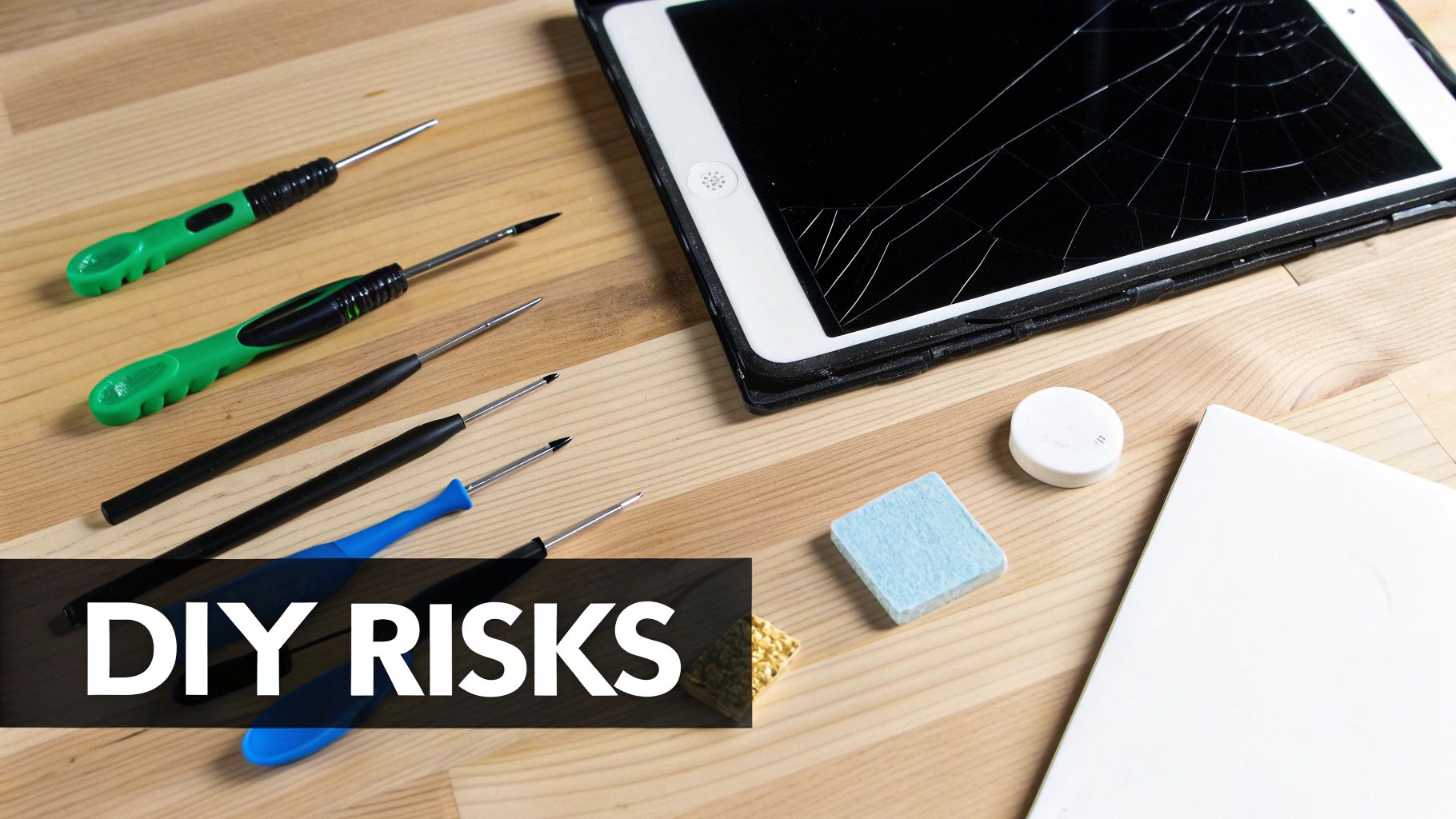
I’ve seen it a thousand times. A customer walks into our shop with a cracked iPad, a Ziploc bag full of tiny screws, and a look of defeat. They tried the DIY route, and I can tell you from experience, it rarely ends well.
Those online repair kits, promising a quick and cheap fix for $20 to $300, can be incredibly tempting. They make it look so simple, like you’re just snapping a new screen into place. But what the YouTube tutorials don’t show you is the high-stakes gamble you’re taking with a very expensive piece of technology.
Modern iPads are engineering marvels, but they are absolutely not designed for amateur repair. Inside that sleek frame, every component is packed together and sealed with powerful industrial adhesives. This isn’t like building with LEGOs; it’s more like performing microsurgery without the right training or tools. A simple screen swap can spiral into a total catastrophe in seconds.
Common DIY Repair Nightmares
The road to a successful DIY iPad repair is paved with tiny, fragile ribbon cables and countless things that can go wrong. A slight tear or a connector that isn’t seated perfectly can cause a whole new set of problems—often worse than the cracked screen you started with.
Here are just a few of the DIY disasters we see all the time:
- Damaged Ribbon Cables: The paper-thin cables connecting the display, Touch ID, and Face ID are notoriously fragile. Rip one of these, and you could permanently disable your home button or biometric sensors—a feature that often even a professional can’t restore.
- Cracking the New Screen: It’s a classic rookie mistake. You apply just a little too much pressure trying to get the new display to sit flush, and crack. You’ve just shattered a brand-new screen, instantly doubling your cost and frustration.
- Improper Sealing: iPads are sealed at the factory to keep dust, debris, and moisture out. A DIY job almost never gets this seal right, leaving your device vulnerable to long-term damage from the environment.
The Financial Gamble: A failed DIY attempt often ends with the “box of shame”—a bag of parts brought to a pro. What should have been a straightforward screen repair now becomes a much more complex and expensive job, sometimes doubling what the original professional quote would have been.
When a Cheap Fix Becomes an Expensive Mistake
The biggest risk here isn’t just wasting money on a kit. It’s turning a perfectly fixable iPad into an electronic paperweight. One slip of a prying tool can puncture the battery—creating a serious fire hazard—or scratch the logic board, killing the device for good.
When that happens, your only option is buying a whole new iPad.
What started as an attempt to save a couple of hundred dollars on your iPad screen repair cost can quickly morph into a loss of several hundred, or even over a thousand, dollars. Before you click “add to cart” on that repair kit, you have to weigh the potential savings against the very real risk of a much bigger professional repair bill—or worse, the complete loss of your device.
A Few More Things You’re Probably Wondering
When your iPad screen shatters, a million questions probably run through your head. We get it. Trusting someone with your device is a big deal, and you deserve clear, honest answers. Here are a few of the most common things we get asked by our customers.
Does a Third-Party Repair Void My Apple Warranty?
Let’s be straight about this: yes, in almost all cases, having an independent shop like ours open up your iPad will void any remaining manufacturer’s warranty you have with Apple. If your iPad is brand new, that’s definitely something to think about.
But here’s the other side of the coin. Any repair shop worth its salt will stand behind its own work. We provide our own warranty on the parts we install and the labor we perform, giving you a new layer of protection that’s completely separate from Apple’s original coverage. It’s our promise to you that the job was done right.
Will My iPad Still Be Water-Resistant After a Screen Repair?
It’s safest to assume it won’t be. The factory seal Apple applies to give your iPad its water resistance is incredibly precise, and it’s almost always broken during the repair process. Even the tiniest gap can let moisture sneak in later.
While a top-tier shop will meticulously reapply new adhesive seals to get as close to the original as possible, you just can’t replicate that factory environment. So, after any screen replacement, you should treat your iPad as if it has zero water resistance. Be extra careful around the pool, the sink, or your morning coffee.
Important Takeaway: After a screen repair, treat your iPad as if it has no water resistance at all. A quality repair restores the screen’s function and appearance, but the original factory seal is a casualty of the process.
How Can I Tell If a Repair Shop Uses High-Quality Parts?
The best way is to just ask them directly. A transparent, trustworthy shop will have no problem telling you exactly what kind of parts they use—whether they’re OEM (Original Equipment Manufacturer) or premium aftermarket screens. If they get defensive or vague, that’s a red flag.
The other big clue is the warranty they offer. A shop that puts a lifetime warranty on its screen repairs is showing you how much confidence they have in their parts and their technicians. They know the parts are built to last, and they’re willing to bet their reputation on it.
When you need fast, reliable, and affordable service for your broken iPad in the Laurel, MS area, the team at Salvation Repair is here to help. Get your device fixed right by scheduling your repair today at https://salvationrepair.com.

3 thoughts on “iPad Screen Repair Cost: Your Complete Guide”