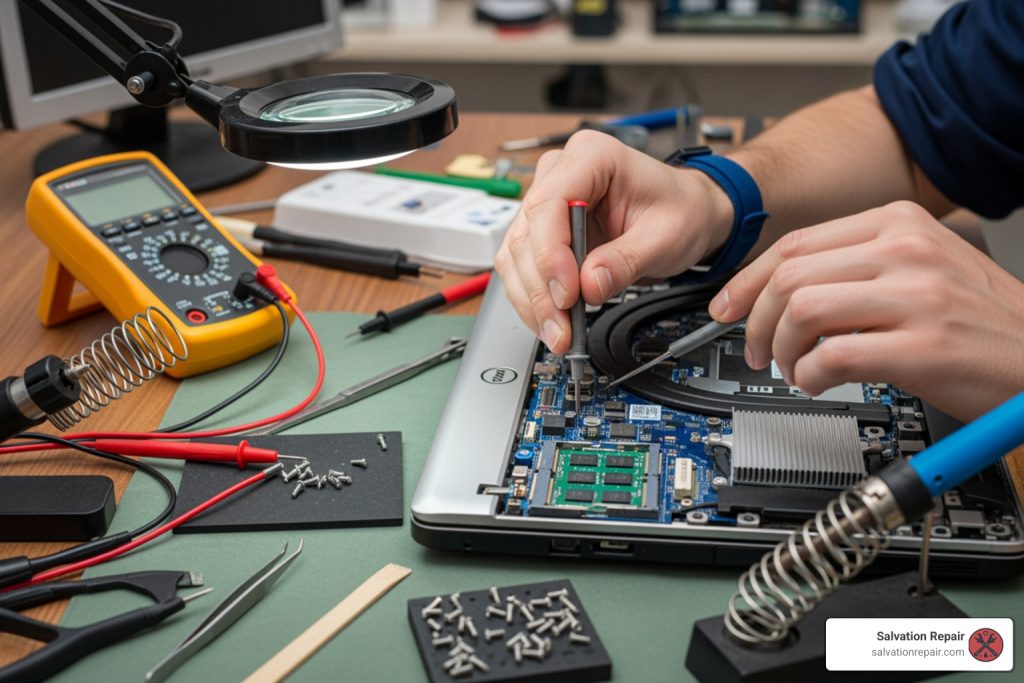
Dell Laptop Repair Near Me: Quick Fixes 2025
Why Finding the Right Dell Laptop Repair Service Matters
Dell laptop repair near me is a top search when your trusted device suddenly stops working. A cracked screen, a laptop that won’t power on, or a failing battery demands fast, reliable repair options that won’t break the bank or leave you without your device for weeks.
Your Quick Options for Dell Laptop Repair:
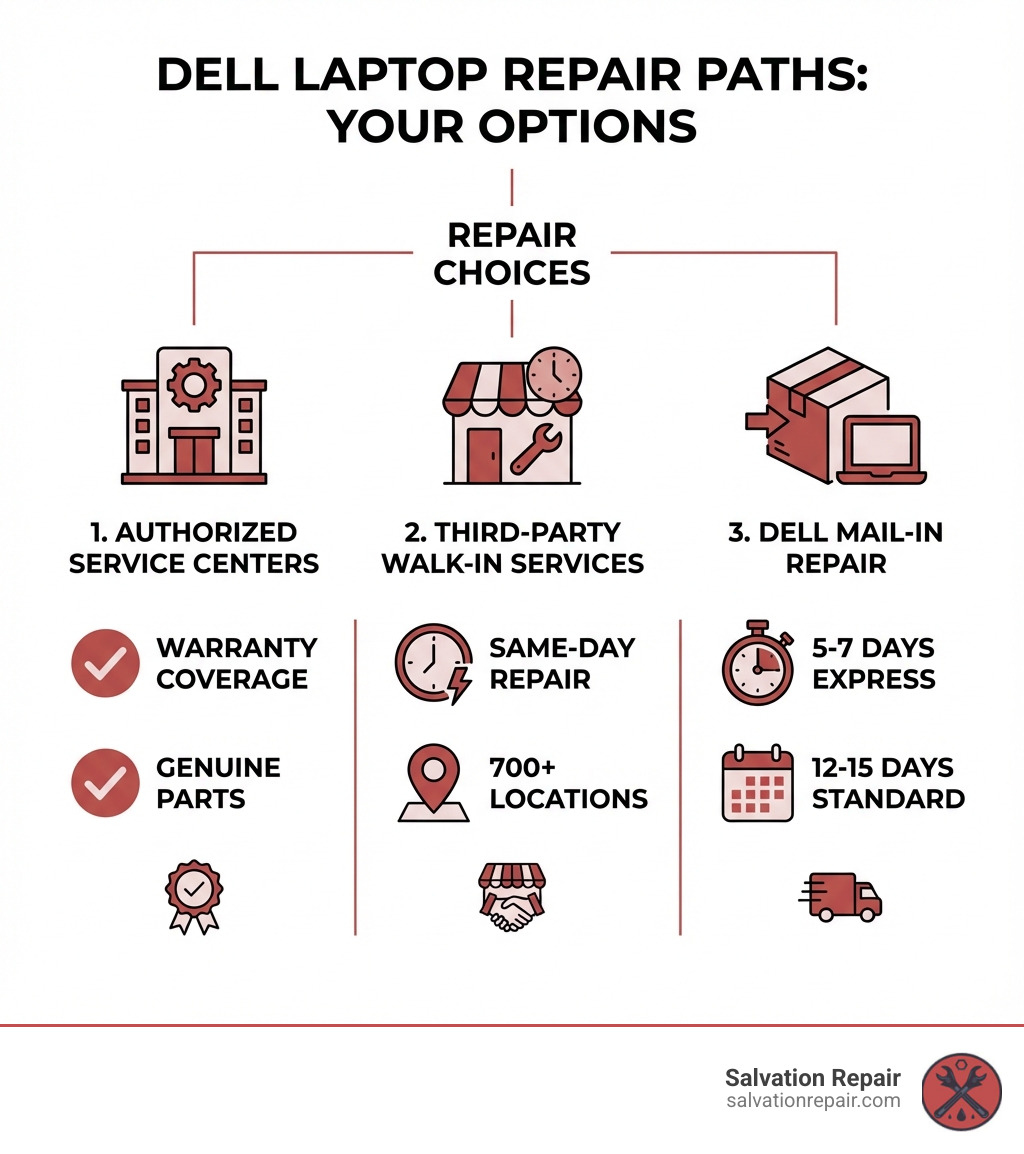
- Dell Authorized Service Centers – Free in-warranty repairs using genuine Dell parts
- uBreakiFix by Asurion – 700+ locations nationwide, same-day service on common issues, 1-year warranty
- Micro Center – Authorized Dell service provider, free diagnostics, 90-day repair warranty
- Dell Mail-In Service – Express (5-7 days) or standard (12-15 days) turnaround for covered issues
When your Dell laptop breaks, you’re losing access to your work, entertainment, and connection to the world. A defective hinge or a cracked screen can bring your productivity to a halt. The good news is that most Dell repairs can be completed as soon as the same day at local authorized service providers, and you have multiple options depending on your warranty status.
The key is knowing where to go and what to expect. Authorized Dell centers offer warranty-compliant repairs with genuine parts, while third-party shops like uBreakiFix provide competitive pricing. For in-warranty devices, you might even qualify for free repairs with no shipping required.
I’m Ralph Harris, and with over 20 years in electronics repair and 500+ Apple repair certifications, I’ve fixed thousands of laptop issues, from simple charging port clogs to complex motherboard failures. At Salvation Repair, I’ve helped countless customers searching for Dell laptop repair near me find the fastest, most cost-effective solutions.
First Steps: Diagnosing the Problem & Preparing for Repair
Before you search for Dell laptop repair near me, taking a moment to understand the issue and prepare your device can save you time and money. While many common problems have simple solutions, knowing when to seek professional help is crucial.
Common Dell Laptop Issues and Models
Dell laptops, from robust Alienware gaming rigs to the sleek XPS series and reliable Inspiron line, are susceptible to a range of issues. Some of the most frequent problems include:
- Cracked or Damaged Screens: A cracked display, from a hairline fracture to a shattered panel, is a common accident requiring a routine screen replacement.
- Battery Issues: If your Dell laptop’s battery no longer holds a charge, dies quickly, or is swelling, it’s time for a replacement.
- Faulty Charging Ports: Inconsistent charging or a loose charging cable often points to a damaged port that needs careful repair or replacement.
- Broken Hinges: Especially after years of use, Dell laptops can suffer from broken or stiff hinges, making it difficult to open and close the lid.
- Hard Drive Failure: Slow performance, freezing, or error messages can signal a failing hard drive or solid-state drive (SSD), risking data loss if not addressed promptly.
- Power-On Problems: A Dell laptop that won’t turn on, shows a black screen, or gets stuck during startup can have issues with the motherboard, power supply, or software.
We handle repairs for all Dell laptop types, including Inspiron, XPS, Latitude, Precision Mobile Workstation, Vostro, and Alienware models. For specialized gaming laptop issues, check our insights on Gaming Laptop Repair.
DIY Fixes vs. When to Call a Professional
While it’s tempting to try fixing your laptop yourself, some issues require an expert.
Simple DIY Fixes You Can Try:
- Rebooting: The classic “turn it off and on again” can resolve many temporary glitches.
- Software Updates: Keep your OS, drivers, and apps updated to prevent performance issues.
- Virus Scans: Run a thorough antivirus scan to rule out malware.
- Check Connections: Ensure all cables, including the power adapter, are securely connected.
However, it’s time to call the experts if you encounter the following:
- Physical Damage: Cracked screens, broken hinges, liquid spills, or a laptop that won’t open are beyond basic DIY.
- Blue Screen of Death (BSOD): Frequent blue screens often indicate serious hardware or driver issues.
- Overheating: A consistently hot laptop that shuts down unexpectedly or has roaring fans could have a failing cooling system.
- Grinding or Clicking Noises: These sounds from a hard drive are classic signs of impending failure. Back up your data immediately!
- No Power/No Display: If your laptop won’t power on or shows a blank screen, it requires specialized diagnostic tools.
Attempting complex repairs yourself can lead to further damage and higher costs. For reliable solutions and comprehensive Computer Fixing Services, it’s best to consult professionals in Mississippi.
How to Prepare Your Laptop for a Professional Repair
Once you’ve decided on a professional Dell laptop repair near me, a few steps can ensure a smoother process.
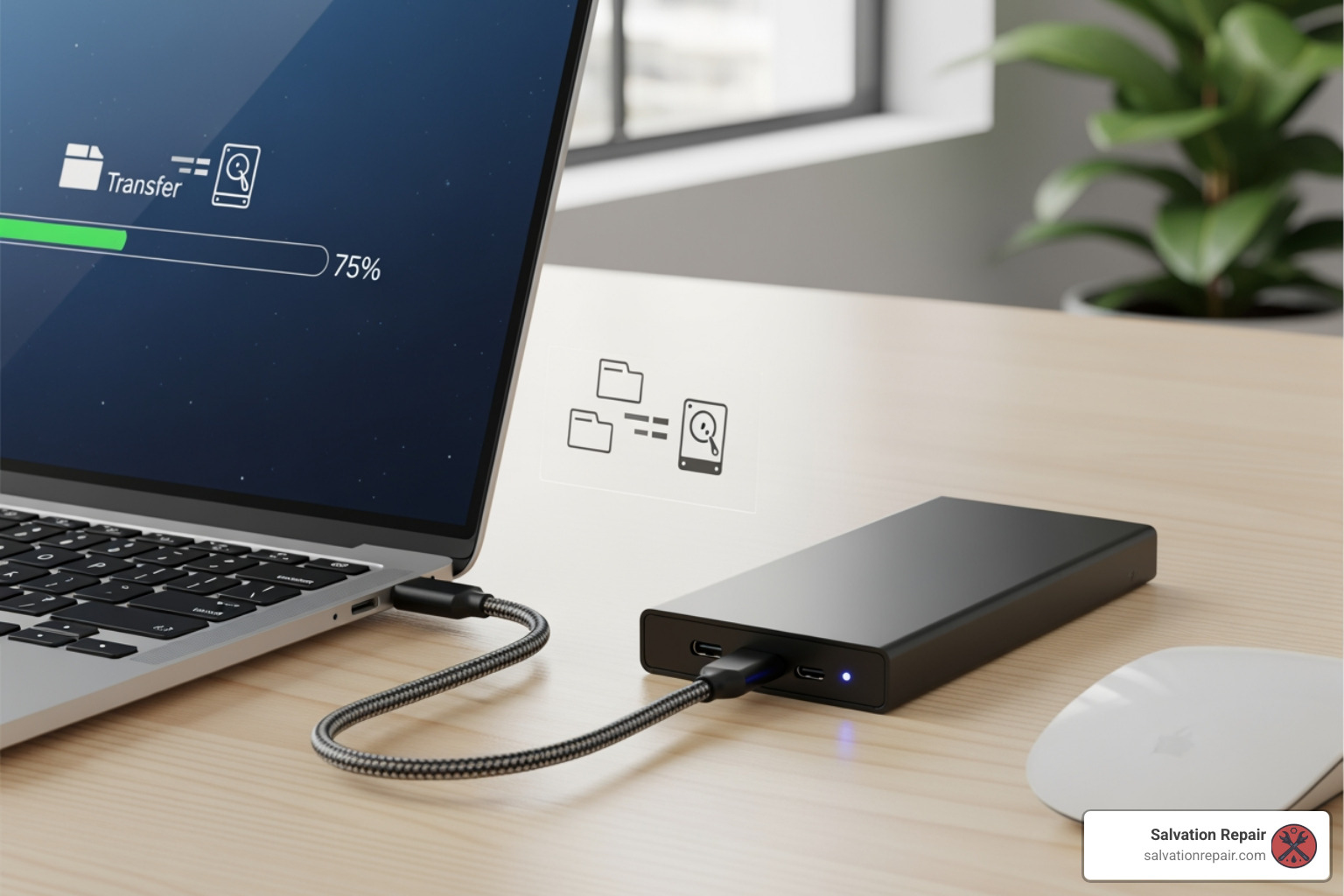
- Back Up Your Data: This is the most critical step. Always back up important files to an external hard drive or cloud storage. Dell’s mail-in service notes that operating systems may be restored, potentially wiping your data.
- Remove Personal and Confidential Information: For an extra layer of security, remove any highly sensitive information from your device.
- Remove Accessories: Detach all external accessories like USB drives, memory cards, or SIM cards.
- Include the AC Adapter: Always include the AC adapter and power cable to allow for thorough testing, especially for power-related issues.
- Document the Issue: Write down a detailed description of the problem, symptoms, and any troubleshooting steps you’ve taken to help technicians diagnose the issue faster.
Finding Dell Laptop Repair Near Me: Your Main Options
When your Dell laptop needs attention, you can explore official Dell channels or trusted third-party providers for Dell laptop repair near me. Knowing the differences helps you make the best choice for your situation.
Finding an Authorized Dell Laptop Repair Near Me
Dell offers official support through its network of authorized service centers. These are often your best bet for in-warranty repairs, ensuring genuine Dell parts are used and your warranty remains intact.
- Dell’s Official Service: Dell provides carry-in service options through authorized partners. If your device is under its original Dell warranty, repairs at these centers are typically free.
- In-Warranty vs. Out-of-Warranty: For out-of-warranty repairs, you’ll be responsible for the cost, but an authorized center ensures quality parts.
- Using Dell’s Service Locator: To find an authorized service center, Dell provides a convenient online tool. Enter your location to find the nearest Dell-approved repair facility.
You can use the official Dell locator to Find an authorized Dell service center.
Why Choose a Local Partner for Dell Laptop Repair Near Me?
While Dell’s official channels are excellent, local authorized third-party repair services can offer unique advantages in speed and convenience. For residents in Laurel, Jackson, and Oxford, MS, a reliable local partner makes all the difference.
Two prominent examples of such partners are uBreakiFix by Asurion and Micro Center, both serving as authorized Dell repair providers. Their service models highlight the benefits of choosing local experts:
- uBreakiFix by Asurion: With hundreds of stores nationwide, they are known for fast repairs. They often provide free diagnostics, same-day service for common issues, a 1-year limited warranty, and a price match guarantee.
- Micro Center: As an Authorized Service Provider (ASP) for Dell, Micro Center offers free in-warranty repairs using genuine parts. Diagnostics are typically quick, and repairs come with a 90-day warranty without voiding your Dell warranty.
At Salvation Repair, we provide similar benefits right here in Laurel, Jackson, and Oxford, MS. We specialize in fast, often same-day repairs, offer a lifetime warranty on our services, and are committed to price matching. We understand the urgency of getting your device back, which is why we focus on efficiency without compromising quality. For more on our offerings, visit our Services page.
Authorized vs. Independent Shops: What’s the Difference?
When searching for Dell laptop repair near me, you’ll find both authorized service providers and independent shops. While both aim to fix your device, there are key distinctions:
| Feature | Authorized Service Provider (ASP) | Independent Repair Shop (e.g., Salvation Repair) |
|---|---|---|
| Cost | Often higher for out-of-warranty repairs; free for in-warranty. | Generally competitive, often with price matching; costs for parts and labor. |
| Repair Time | Can vary; some offer same-day for common issues; parts may need ordering. | Often same-day for common issues due to on-hand parts and streamlined processes. |
| Parts Quality | Uses genuine Dell/OEM parts. | Uses high-quality, OEM-standard, or compatible parts; transparent about sourcing. |
| Warranty | Dell’s warranty honored; ASPs offer their own (e.g., uBreakiFix 1-year, Micro Center 90-day). | Often offers strong warranties (e.g., Salvation Repair’s lifetime warranty). |
| Technician Training | Certified by Dell; follows strict Dell protocols. | Highly skilled, experienced technicians; broad expertise across many brands/models. |
| Warranty Preservation | Repairs typically do not void Dell’s manufacturer warranty. | May void manufacturer warranty if parts are not OEM or if repairs are not Dell-approved. |
Choosing an authorized provider guarantees genuine Dell parts and warranty preservation. However, independent shops like Salvation Repair often offer more personalized service, quicker turnarounds, and competitive pricing with better repair warranties (like our lifetime warranty). We also have the flexibility to repair a wider range of issues.
At Salvation Repair, we focus on providing expert Computer Repair services with the speed and personal touch you expect from a local business in Laurel, Jackson, and Oxford, MS. We use high-quality, OEM-standard parts and our technicians are seasoned professionals, ensuring your Dell laptop gets the best care.
The Dell Repair Process: Cost, Time, and What to Expect
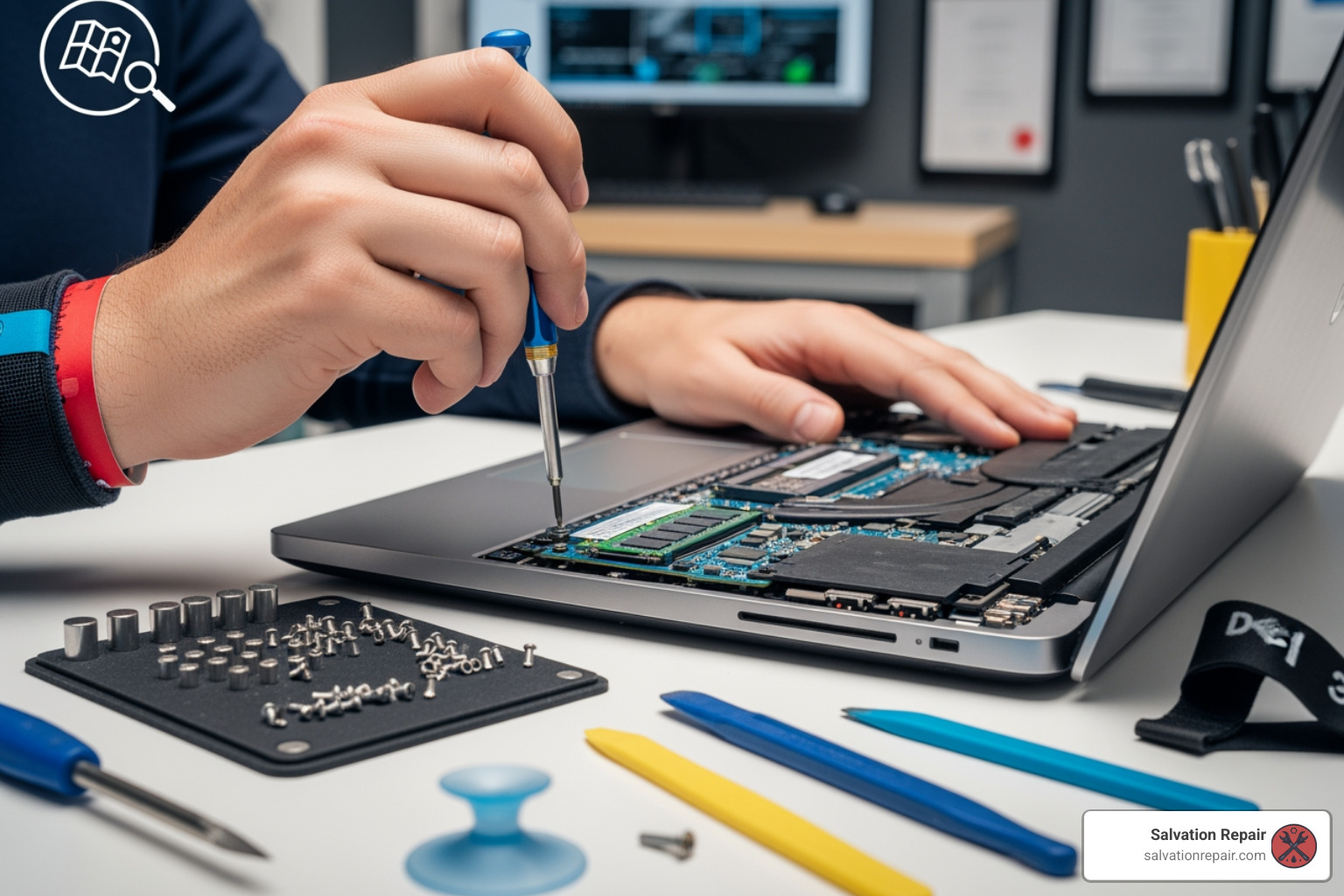
Understanding the process, potential costs, and timelines for your Dell laptop repair can help manage expectations. Whether you opt for a local walk-in service or Dell’s mail-in option, preparation is key.
How Much Does a Dell Laptop Repair Typically Cost?
The cost of your Dell laptop repair near me can vary based on several factors:
- In-Warranty vs. Out-of-Warranty: In-warranty repairs are typically free at authorized centers, excluding accidental damage not covered by your plan.
- Free Diagnostics: Many reputable providers, including Salvation Repair, offer a free diagnostic exam. This pinpoints the exact issue and provides a repair estimate upfront.
- Type of Repair: A simple software fix will cost less than a complex hardware replacement like a motherboard repair.
- Parts Cost: Genuine OEM (Original Equipment Manufacturer) parts can be pricier than high-quality aftermarket parts.
- Labor: The complexity of the repair and technician expertise contribute to labor costs.
- Price Matching Guarantees: Some providers, like Salvation Repair, offer price matching, ensuring you get the most affordable rate by matching a local competitor’s advertised price.
Since pricing isn’t available without a diagnostic, we advise taking advantage of free diagnostic services to get an accurate quote.
How Long Does a Dell Laptop Repair Usually Take?
The repair timeline is often a major concern. Here’s what you can generally expect:
- Same-Day Service for Common Issues: Local walk-in shops like Salvation Repair often complete common repairs (cracked screens, battery replacements) the same day. This is a huge advantage when you need your device back quickly.
- Mail-In Repair Timeline: Dell’s automated mail-in repair service takes longer:
- Express Service: The process may take 5-7 business days.
- Standard Service: This can extend to 12-15 business days.
This includes shipping time. Dell sends a prepaid return box within 1-2 business days of your request.
- Micro Center: Diagnostics are usually completed within 24 hours, with parts arriving in 3-5 business days.
At Salvation Repair, we prioritize a fast turnaround, with same-day service for most common repairs.
Understanding Dell’s Mail-In Repair Service
Dell’s automated mail-in repair service (depot repair) is a convenient option if you’re not near an authorized service center. It is available in the United States and Canada.
- Automated Mail-In Process: This allows you to initiate a repair without contacting Dell support directly.
- How it Works:
- Go to www.dell.com/support and identify your laptop with its Service Tag.
- Select ‘Technical Support’ and identify the symptom.
- Click ‘Get Started’ under the ‘Mail-in repair’ section and fill out the form.
- Dell will send you a prepaid shipping box.
- Pack and ship your system.
- Dell diagnoses and repairs the laptop at their facility.
- Covered Issues: The automated service is for display, power, or hard drive issues. For other problems, you may need to contact Dell support directly.
- Shipping Instructions: It’s crucial to back up your data, remove confidential information, detach accessories, and include your AC adapter.
While Dell’s mail-in service is comprehensive, the timeline can be a drawback. For quicker solutions, a local Dell laptop repair near me service like Salvation Repair is a better fit. You can find more details on Dell’s mail-in repair process at Get details on Dell’s mail-in repairs.
Frequently Asked Questions about Dell Laptop Repair
Here are answers to some of the most common questions we get about Dell laptop repairs.
What information do I need to provide when scheduling a repair?
To ensure a smooth and efficient repair, having the right information ready is a huge help:
- Service Tag: This unique ID is crucial for accessing your laptop’s configuration and warranty status. You can find it on a sticker on the bottom of your laptop, in the BIOS, or via Dell’s support website.
- Model Number: Knowing your Dell laptop’s model (e.g., Inspiron 15, XPS 13) also helps technicians.
- Detailed Description of the Issue: Explain what’s happening, when it started, and any error messages. The more details, the better.
- Contact Information: Your name, phone number, and email are essential for status updates.
What is the warranty on Dell laptop repairs?
The warranty on a repair varies depending on the provider:
- Dell Authorized Service: Repairs under Dell’s original warranty are typically covered for the remainder of your warranty or 90 days, whichever is longer.
- uBreakiFix by Asurion: They offer a 1-year limited warranty on their repair services.
- Micro Center: As an Authorized Dell Service Provider, Micro Center covers its repairs with a 90-day repair warranty.
- Salvation Repair: We stand by our work with a lifetime limited warranty. If the same issue recurs due to our workmanship or a faulty part we installed, we’ll fix it again for free. This is a significant advantage when choosing a local expert for your Dell laptop repair near me.
Always clarify the repair warranty with your chosen service provider before proceeding.
What is the difference between in-warranty and out-of-warranty repairs?
Understanding this distinction is crucial for managing costs:
- In-Warranty Repairs: These are covered by Dell’s manufacturer’s warranty (typically one year) for defects in materials and workmanship. Dell or an authorized provider will repair it at no cost. This usually excludes accidental damage unless you have a specific plan for it.
- Out-of-Warranty Repairs: If your warranty has expired or the issue isn’t covered (e.g., accidental damage), the repair is out-of-warranty. You are responsible for the full cost of parts and labor. Shops like Salvation Repair specialize in affordable out-of-warranty repairs.
- Accidental Damage Coverage: Dell offers optional Accidental Damage Service plans for incidents like spills and drops. These plans have exclusions (like theft or loss) and may limit claims per year. Always check the terms of your plan.
Conclusion: Getting Your Dell Laptop Back in Action
When your Dell laptop acts up, it can feel like a major setback. However, you have a wealth of options for Dell laptop repair near me, whether you’re in Laurel, Jackson, or Oxford, MS. From official Dell channels to trusted local experts, getting your device back in working order is often quicker and more affordable than you might think.
We’ve covered common Dell issues, the critical steps to prepare your device for repair (especially backing up your data!), and your various service options. Understanding the difference between in-warranty and out-of-warranty repairs, along with the varying repair warranties offered by providers, empowers you to make an informed decision.
Acting quickly is crucial. Addressing issues promptly can prevent further damage and save you from more expensive repairs down the line. Don’t let a cracked screen, a failing battery, or a stubborn power issue disrupt your life.
For reliable, fast, and warrantied service right here in Mississippi, consider the experts at Salvation Repair. We offer same-day repairs for most common issues, a lifetime limited warranty, and a price match guarantee. We’re here to get your Dell laptop back in action.
Ready to get your Dell laptop fixed? Schedule Repair with us today!
For more tips and troubleshooting guides for your PC and laptop, Explore our comprehensive PC and laptop repair guides.
