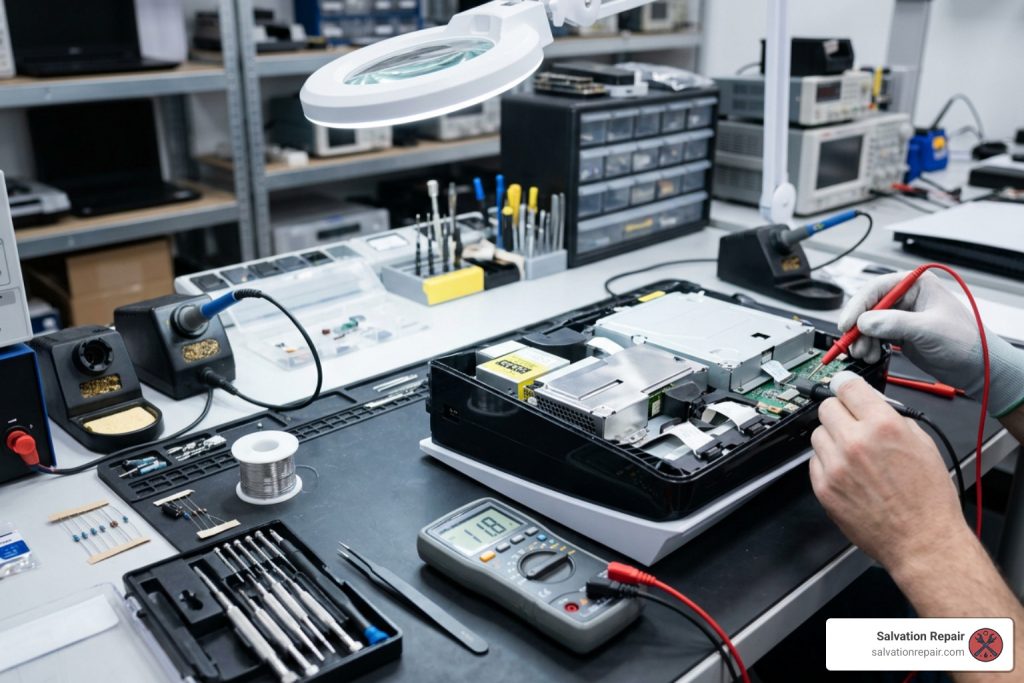
PS5 Slim Power Issues: Fixing the Single Beep Mystery
What It Means When Your PS5 Slim Beeps Once and Won’t Turn On
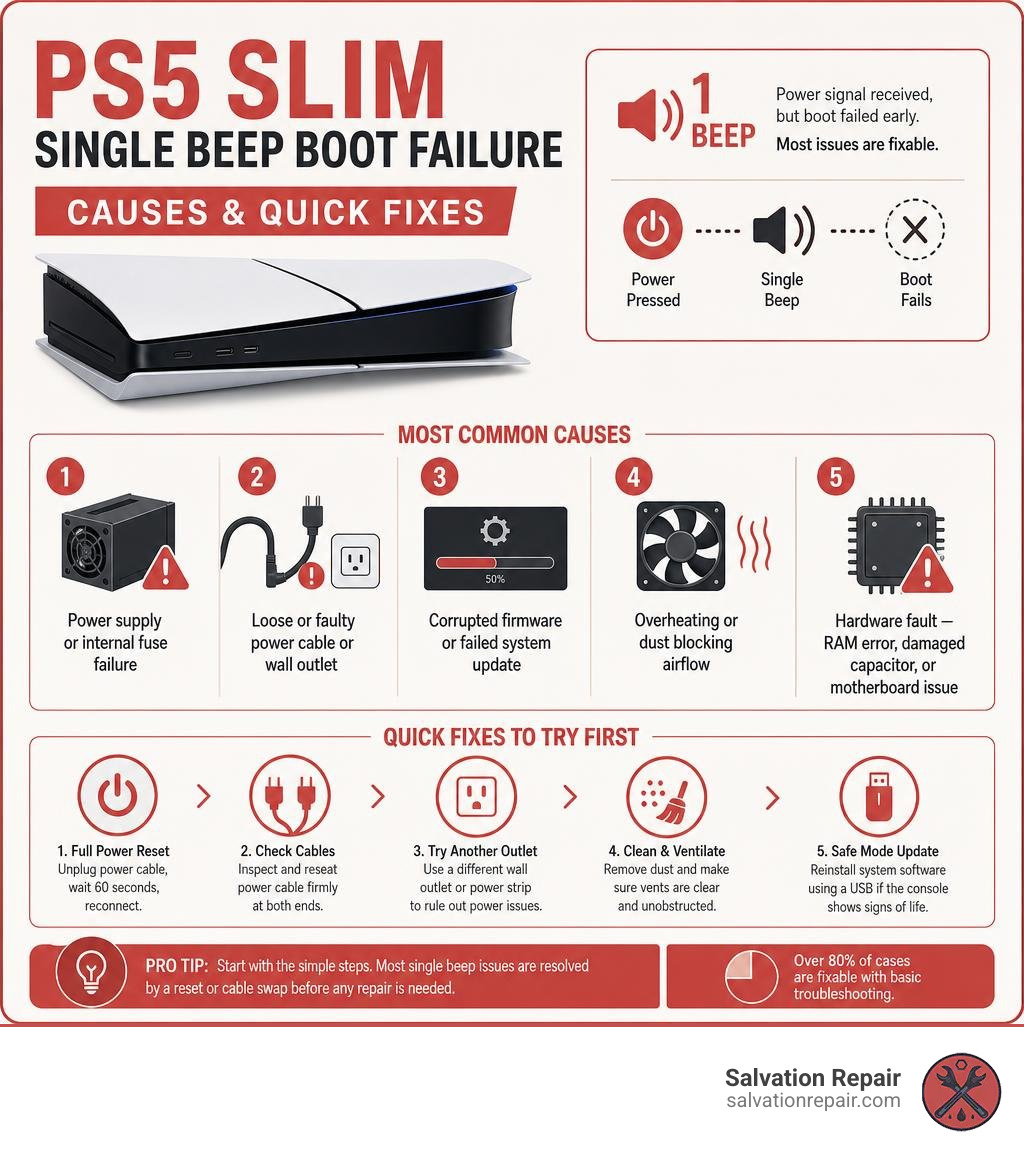
If your PS5 Slim beeps once and then goes completely silent — no lights, no fan, no display — here is what is most likely happening:
Quick Answer:
- Single beep = power-on signal received, but boot failed early
- The console started its startup sequence but shut down before completing it
- This is not always a sign of total hardware failure — most cases are fixable
Most common causes, from most to least likely:
- Power supply or internal fuse failure (over 60% of cases)
- Loose or faulty power cable or wall outlet
- Corrupted firmware or a failed system update
- Overheating or dust blocking airflow
- Hardware fault — RAM calibration error, damaged capacitor, or motherboard issue
Over 80% of users who experience a single beep with no display resolve it with a full power reset or a cable swap — before any repair is needed.
That single beep is actually useful information. It tells you the PS5 Slim did receive a power signal. Something just stopped it from going further. That narrows down the problem significantly, and it means there is a clear path to diagnosing it.
I’m Ralph Harris, and I’ve spent more than 20 years repairing electronics — including gaming consoles like the PS5 Slim — and I’ve written hundreds of troubleshooting guides covering exactly this kind of PS5 Slim beeps once power failure scenario. In this guide, I’ll walk you through every step from the simplest cable check to component-level hardware diagnosis, so you can find the real cause and fix it.
Why Your PS5 Slim Beeps Once and Fails to Power On
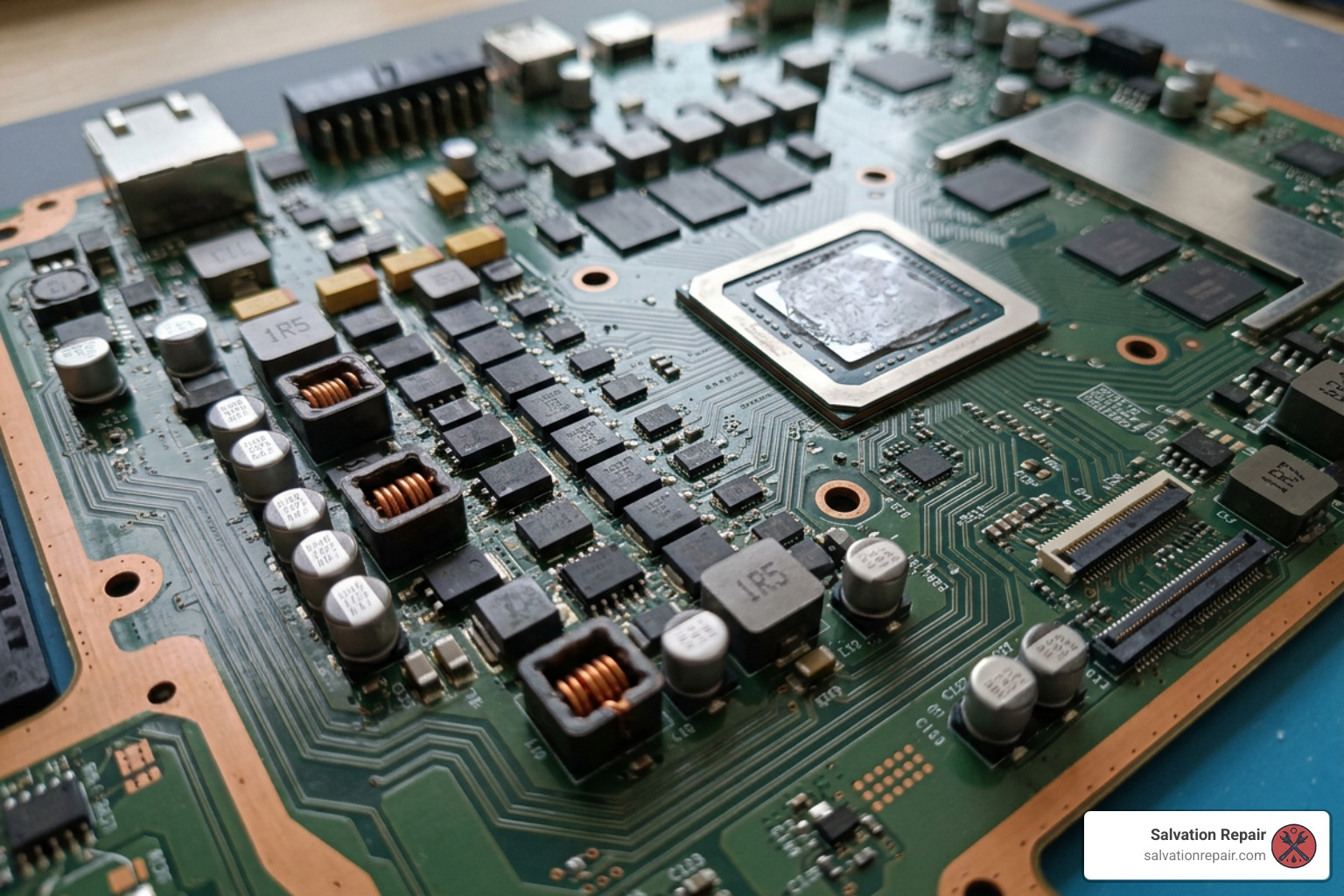
When you press the power button on your PS5 Slim, a complex sequence of electrical signals initiates inside the console. The single beep you hear is the system’s way of acknowledging your command. This sound is triggered by the system controller (Syscon) as soon as it receives the power-on signal.
If the console beeps once but immediately dies without spinning the fan or illuminating the LED indicator strip, it means the boot sequence was aborted almost instantly. The Syscon controller checked the system’s power rails and detected an anomaly—such as a short circuit, an incorrect voltage reading, or a communication failure—and shut down the system within milliseconds to prevent catastrophic damage to the Accelerated Processing Unit (APU).
This symptom differs significantly from other beep patterns. For example, a triple beep typically points to a minor optical drive issue, such as pressing the eject button when there is no disc inside. Continuous or rapid beeping usually signals an active overheating safeguard. A single beep followed by complete silence, however, points directly to an early-stage power delivery or startup sequence failure.
An interesting trend we have observed in our repair shops is that PS5 consoles left in rest mode frequently are 2-3x more likely to experience power-on failures after their warranty expires. During rest mode, the console remains in a low-power state where standby voltage rails are continuously active. This constant exposure makes the internal power management integrated circuits (PMICs) and capacitors more vulnerable to minor electrical surges, eventually leading to a hardware-level failure that presents as the classic single-beep shutdown. To understand more about how these audible alerts function, you can consult the PS5 Beep Codes Guide.
Step-by-Step DIY Troubleshooting for the Single Beep Issue
Before diving into complex board-level repairs, it is essential to rule out external factors. Many power issues are caused by simple cable faults, tripped wall outlets, or temporary software glitches.
The table below outlines the primary differences between basic issues you can resolve at home and deeper hardware faults that require professional intervention:
| Cause Type | Specific Issue | Typical Behavior | DIY Resolution |
|---|---|---|---|
| External / DIY | Loose Power Cable | Single beep, loose fit at the back of the console | Reseat cable firmly or replace with a standard IEC C7 cable |
| External / DIY | Tripped Outlet / Surge | Single beep, no power to other devices on strip | Test a different wall outlet directly; bypass surge protectors |
| External / DIY | Corrupted System Cache | Single beep, occasionally starts after multiple tries | Perform a full power reset / power cycle |
| Internal / Hardware | Faulty Power Supply (PSU) | Single beep, stable standby voltage but 12V rail collapses | Replace the internal power supply unit |
| Internal / Hardware | RAM Calibration Error | Single beep, blue light flashes for 1 second, then dies | Motherboard diagnostic and component-level repair |
| Internal / Hardware | Cracked SMD Capacitor | Single beep, occurs immediately after an HDMI port repair | Locate and replace the damaged 10uF capacitor on the 5V rail |
Step 1: Perform a Full Power Reset
The most common solution for a PS5 Slim that beeps once but fails to power on is a full power reset. Over time, the capacitors inside the power supply unit can hold onto a residual charge, or the system’s cache can become corrupted after a sudden power loss or rest mode glitch.
- Completely unplug the power cable from the back of your PS5 Slim.
- Unplug the other end of the cable from the wall outlet or surge protector.
- Press and hold the console’s power button for 15 to 20 seconds. This drains any residual electricity stored in the internal capacitors.
- Leave the console unplugged for at least 20 minutes.
- Plug the power cable directly into a known working wall outlet, bypassing any power strips or surge protectors.
- Press the power button to see if the console boots normally.
Step 2: Accessing Safe Mode on Your PS5 Slim
If the issue is caused by corrupted system firmware or an interrupted update, you may be able to force the console into Safe Mode. Safe Mode bypasses the standard boot sequence and loads a bare-bones interface that allows you to rebuild the system database or reinstall system software.
To attempt booting into Safe Mode:
- Ensure the console is completely turned off (no lights).
- Press and hold the power button. You will hear an initial beep.
- Continue holding the button down for approximately 7 to 10 seconds until you hear a second beep.
- Release the power button immediately after the second beep.
- Connect your DualSense controller to the console using a USB cable and press the PS button.
If your console shuts down immediately after the first beep and refuses to reach the second beep, this confirms a hardware-level failure. In this scenario, the console cannot complete its power-on self-test (POST), and you will need to seek professional repair. For official manufacturer guidance on resolving basic power anomalies, visit Official PlayStation Support.
Step 3: Checking HDMI and Display Connections
In some cases, the PS5 Slim beeps once and actually powers on, but a lack of video output makes it appear completely dead. This is often referred to as a “no display” issue rather than a “no power” issue.
Verify that your HDMI cable is firmly plugged into both the console and your television. Inspect the HDMI port on the back of the PS5 Slim for any bent pins, physical distortion, or cracks. If you suspect your console is powering on but failing to output a signal, you can follow our detailed guide on How To Fix PS5 Slim No Display to rule out display-related failures.
Hardware Faults: Motherboard, RAM, and Power Supply Failures
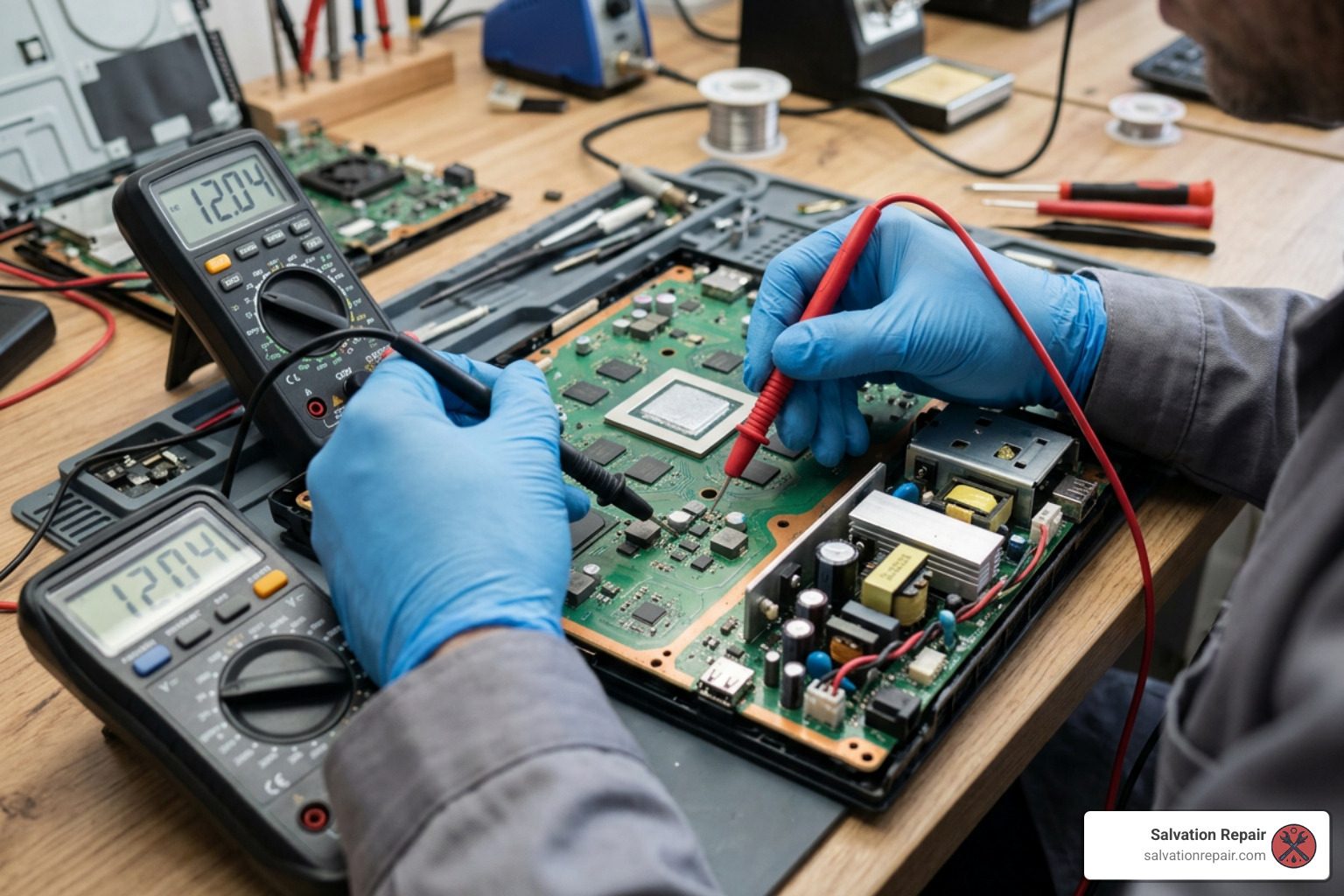
When DIY troubleshooting fails to resolve the single beep issue, the root cause is almost certainly an internal hardware failure. The PS5 Slim uses a highly integrated design, meaning a failure in one small component can halt the entire boot process.
Power Supply Unit (PSU) and Fuse Failures
Statistically, over 60% of PS5 Slim “beeps once, no power” cases are traced directly to power supply or internal fuse issues. The power supply in the PS5 Slim converts high-voltage alternating current (AC) from your wall into the low-voltage direct current (DC) required by the motherboard.
The motherboard requires several standby voltages to remain active even when turned off, including 5V, 1.8V, and 3.3V rails. When you press the power button, the power supply is commanded to enable the main 12V rail, which delivers the high current needed by the APU and optical drive. If the internal 12V rail in the PSU has failed, or if an mainboard fuse like the F7002 fuse has blown due to a power surge, the console will beep once using standby power and then shut down instantly as the 12V rail fails to materialize.
Motherboard and RAM Calibration Faults (EDM-041)
The PS5 Slim utilizes updated motherboard revisions, primarily the EDM-040 and EDM-041 boards. While these boards are more compact than those found in original PS5 models, they have introduced unique failure modes.
A notable issue on the EDM-041 board is a high sensitivity to RAM-related calibration faults. Specifically, the board can experience a 15-20% failure rate for RAM-related calibration faults (often identified via Syscon diagnostic UART logs as error 80801510) following thermal stress or nearby repairs. When this fault occurs, the APU core voltage (approximately 0.90V to 0.91V) and the GDDR6 RAM voltage (around 1.37V to 1.38V) appear briefly during the initial boot sequence but collapse within a second.
Technicians debugging this issue on forums like the Badcaps EDM-041 Diagnostic Thread have noted that a shared RAM reference net can show an abnormally low diode-mode reading (around 0.040V instead of the normal 0.24V to 0.37V). This indicates a shorted passive component or a damaged internal board layer, rather than a failure of the RAM chips themselves.
Similarly, older motherboard revisions like the EDM-010 can exhibit a single beep and fail to boot due to missing 1V core and 1.35V GDDR6 voltages, as documented in the PS5 (EDM-010) beeps once, won’t start – Missing 1V Core & 1.35V GDDR6 Voltage – Badcaps thread.
Post-HDMI Repair Damage and Cracked Capacitors
Another common cause of the single beep symptom on the PS5 Slim is physical or thermal damage introduced during previous repairs. If a console recently underwent an HDMI port replacement and subsequently developed a “single beep, no power” symptom, a surface-mount capacitor was likely damaged during the process.
During the high-heat soldering required to replace an HDMI port, nearby components can easily be shifted or cracked. On the EDM-041 board, a cracked 10uF 0402 capacitor (rated for 6.3V) on the 5V or 1.8V standby rail will create a direct short to ground. When the console attempts to boot, the current draw spikes abnormally high (often staying high for 8 to 10 seconds instead of dropping within the normal 3-second window) before the system triggers an emergency shutdown.
Technicians discussing this post-repair failure on the TronicsFix EDM-041 HDMI Repair Thread emphasize the importance of inspecting the passive components surrounding the HDMI encoder and SSD controller for physical cracks. If you suspect your console has suffered physical damage during a port service, you can learn more about our professional recovery options by visiting our PS5 HDMI Port Replacement page.
Overheating, Dust, and Liquid Metal Cooling Issues
The PS5 Slim relies on an advanced liquid metal thermal interface material (TIM) to transfer heat away from the APU to the massive heatsink assembly. While liquid metal is incredibly efficient at conducting heat, it requires a perfect, airtight seal to remain effective.
Over time, if the console is subjected to physical impacts, or if it is left standing vertically for years, the liquid metal can migrate or pool at the bottom of the APU barrier. This migration leaves “dry spots” on the APU die. When a dry spot oxidizes, the thermal conductivity drops drastically.
If you attempt to turn on a PS5 Slim with dried or migrated liquid metal, the temperature of the APU can spike to critical levels within fractions of a second. The console’s internal thermal safeguards will instantly shut down the system to prevent permanent silicon degradation, leaving you with a single beep and an immediate power-off.
Additionally, heavy dust buildup inside the fan blades and the dense heatsink fins blocks airflow. If the console cannot dissipate standby heat, the system may refuse to initiate the boot sequence entirely until the internal temperature drops back down to a safe operating range. Regular cleaning with compressed air or a soft brush every 3 to 6 months is highly recommended to prevent these heat-related shutdowns.
Frequently Asked Questions About PS5 Slim Power Issues
Why does my PS5 Slim beeps once and then nothing happens?
This behavior indicates that the console’s system controller (Syscon) successfully received the power-on command but aborted the boot sequence almost immediately. The early shutdown is a protective measure triggered by a detected fault, such as a short circuit on the motherboard, a failing internal power supply, or a RAM calibration error.
Can a bad HDMI port cause a PS5 Slim beeps once error?
Yes. If the internal pins of the HDMI port are bent and touching each other, they can create a direct short circuit on the 5V HDMI transmitter rail. Additionally, if the HDMI port was recently replaced, a nearby tiny capacitor may have been cracked or bridged with solder during the repair, grounding out an essential voltage rail and preventing the console from booting.
What does a triple beep mean compared to a single beep?
A triple beep is typically an optical drive warning, indicating that you pressed the eject button when there was no disc inside the drive, or that the console is experiencing a minor power-cycling glitch. A single beep followed by complete silence is a much more critical symptom pointing to a failure in the early-stage power delivery system or startup sequence. For more details on resolving triple-beep issues, you can read the guide on 12 Easy Fixes: PS5 Won’t Turn on But Beeps 3 Times – TCG or check out additional expert advice on the PS5 Won’t Turn On But Beeps? Expert Solutions to Fix 3 Beeps Issue forum.
Conclusion
If your PS5 Slim beeps once and refuses to power on, and basic troubleshooting like a power reset or a cable swap doesn’t do the trick, it is time to bring in the professionals. Board-level diagnostics, power supply replacements, and liquid metal reapplications require specialized tools and expert training to avoid permanently damaging your console.
At Salvation Repair, we specialize in high-quality, professional electronics restoration. Whether you are located in Laurel, MS, Jackson, MS, Ellisville, MS, Soso, MS, Meridian, MS, or anywhere across Jones County, Mississippi, we are here to help. True to our motto, we repair “any device with a power button.”
Our outstanding service features include:
- A comprehensive lifetime warranty on our repairs.
- Price matching to ensure you always get the best rate.
- Same-day, on-site repairs for everyday devices.
In addition to game consoles, we are well-known for our rapid mobile phone services. Our iPhone screen repairs take 10-15 minutes in front of the customer. We offer several screen options to fit your budget, including standard LCDs, AQ7 LCDs, aftermarket OLEDs, and premium OEM options (such as OEM refurbished and brand-new OEM screens).
If you are curious about our standard pricing, standard LCD repairs are quoted at $129.95, aftermarket OLED at $129.95, and OEM at $149.95. For the iPhone 16 Pro, we quote the LCD at $149.95 and the OLED at $199.95. For the iPhone 16 Pro Max, we quote the AQ7 LCD at $129.95, aftermarket OLED at $219.95, OEM refurbished at $399.95, and new OEM at $469.95. Additionally, our battery repairs take 30 minutes, and charging port repairs take 1 hour.
Don’t let a single beep keep you out of the game. Bring your console to our experts by visiting our Gaming Console Repair Services page to schedule your diagnostic and get back to playing today!
