iPhone 11 Screen Replacement: A Product Roundup for DIYers
Is Your iPhone 11 Screen Cracked? Here’s What You Need to Know
iPhone 11 screen replacement is one of the most common repairs for this model — and for good reason. The 6.1-inch Liquid Retina LCD is the first thing to go when the phone takes a hit.
Quick answer for DIYers — here are your best options:
| Option | Estimated Cost | Time | Skill Level |
|---|---|---|---|
| DIY replacement | $30–$80 (parts) | 1–2 hours | Intermediate |
| Apple authorized repair | $199+ (without AppleCare+) | Same day | None needed |
| Third-party repair shop | $80–$150 | Same day | None needed |
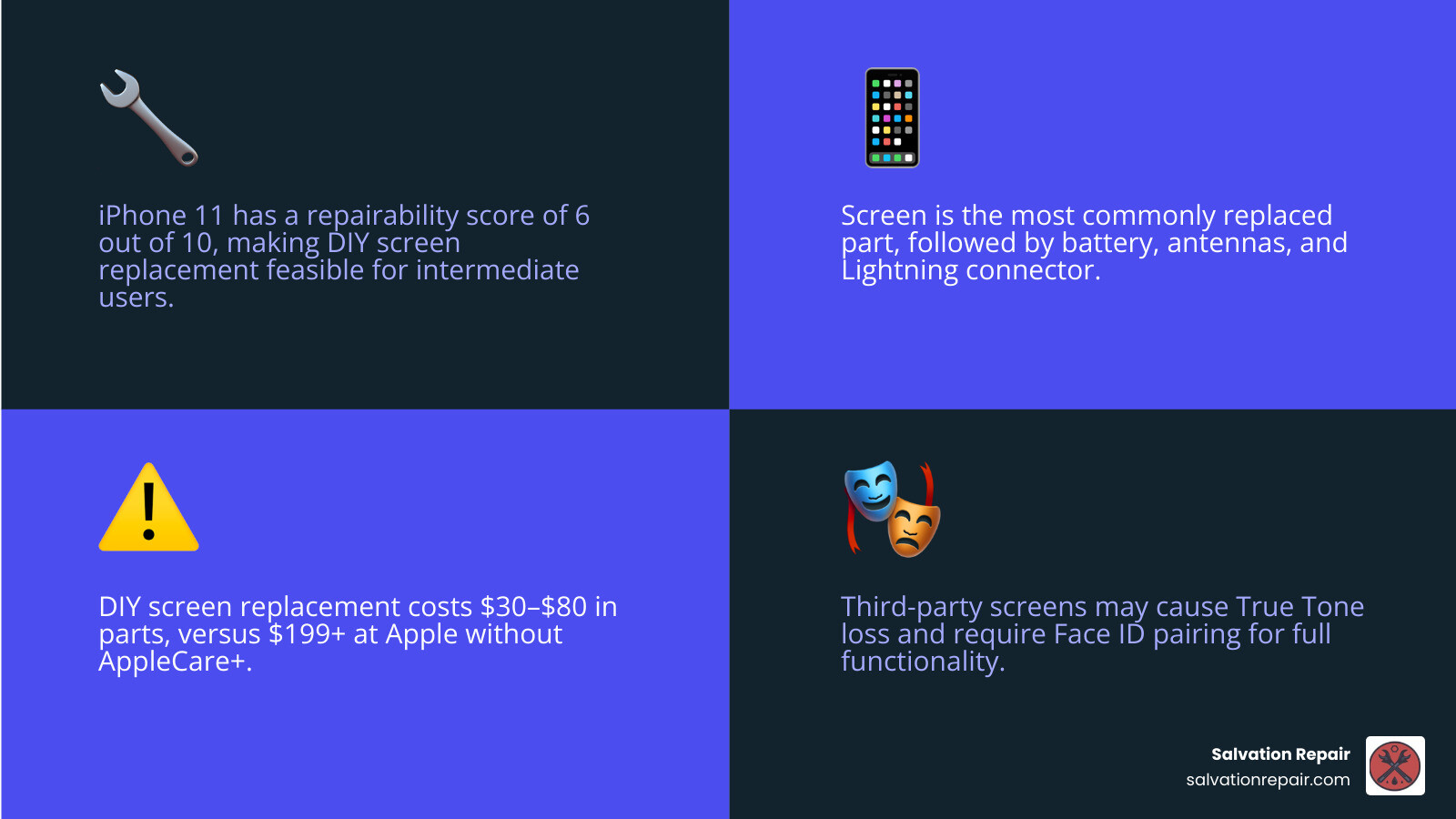
The iPhone 11 has a repairability score of 6 out of 10, which means it’s doable at home — but not without some risk. Common reasons people replace the screen include:
- Shattered or cracked glass
- Dead pixels or dark spots
- Touch screen not responding
- Backlight leakage or dim display
Before you buy a replacement screen, there are a few things every DIYer needs to know. Some iPhone 11 features — like True Tone and Face ID — can be affected by a screen swap. Getting the right parts and tools upfront saves you time, money, and frustration.
I’m Ralph Harris, and with over 20 years of electronics repair experience and more than 500 Apple repair certifications, iPhone 11 screen replacement is something I’ve guided hundreds of technicians and DIYers through. Let’s walk you through everything you need to make this repair a success.
Iphone 11 screen replacement word list:
Essential Tools and Parts for DIYers
Embarking on a DIY iphone 11 screen replacement requires more than just a replacement panel; it requires a specific set of precision tools. Using the wrong screwdriver can strip the tiny screws inside your phone, turning a simple repair into a nightmare. We always recommend gathering everything before you even think about popping those bottom screws.

To get the job done right, you’ll need a specialized toolkit. At a minimum, your bench should have:
- Pentalobe P2 Driver: For those two 6.7 mm screws flanking the Lightning port.
- Y000 Tri-point Bit: Apple uses these extensively for internal brackets, specifically the battery and logic board covers.
- Phillips #000: For the various internal screws, including the earpiece speaker assembly.
- Suction Cups or an Anti-Clamp: To safely lift the display from the frame.
- iOpener or Heat Gun: Essential for softening the incredibly strong watertight adhesive.
- Waterproof Frame Adhesive: To reseal the phone after the repair is complete.
When it comes to parts, you have a choice between “Full Assembly” and “Screen Only.” We highly suggest buying a replacement screen that includes the metal LCD shield plate pre-installed. If your new screen doesn’t have it, you’ll have to transfer the old one, which involves removing several more tiny screws and increases the risk of damage.
Understanding the iPhone Screen Repair Cost is also vital. While a DIY kit might cost you $40 to $80, you are assuming the risk of the repair. If you’re in the Laurel, MS or Jackson, MS area and feel overwhelmed, we offer price matching and a lifetime warranty to take that stress off your shoulders.
Essential Tools for iphone 11 screen replacement
Beyond the drivers, there are a few “secret weapons” that professional technicians use to make the process smoother:
- Opening Picks: These are used to slice through the adhesive. A pro tip is to tape a coin to a pick about 3 mm from the tip. This acts as a depth gauge, preventing you from shoving the pick too deep and slicing a delicate ribbon cable.
- Spudger and Tweezers: For disconnecting fragile press-fit connectors and handling tiny screws.
- Magnetic Screw Mat: This is non-negotiable. The iPhone 11 uses various screw sizes (1.1 mm Y000, 1.6 mm Phillips, etc.). If you put a long screw into a short hole, you can cause “long-screw damage,” which can kill the logic board.
- Suction Cup: To create the initial gap between the screen and the plastic bezel.
The Step-by-Step Guide to iphone 11 screen replacement
Ready to dive in? Safety first! Before you start, discharge your iPhone 11 battery below 25%. A charged lithium-ion battery can catch fire or explode if accidentally punctured during the repair. Once discharged, power the device off completely.
- Remove the Pentalobe Screws: Use your P2 driver to remove the two 6.7 mm screws at the bottom.
- Apply Heat: Use an iOpener or hair dryer on the bottom edge for 1-2 minutes. This softens the adhesive.
- Create a Gap: Apply a suction cup to the bottom of the screen and pull up with steady pressure. Insert an opening pick into the gap. Crucial: Ensure the pick goes between the screen and the plastic bezel, not between the glass and the plastic.
- Slice the Adhesive: Slide your pick around the left and right edges. Keep the insertion depth under 3 mm to avoid the cables on the right side.
- Open Like a Book: The iPhone 11 opens from the left side (the side with the volume buttons). Do not try to separate the screen entirely yet, as it is still connected by ribbon cables.
- Disconnect the Battery: This is the most important step in our iPhone 11 Screen Repair guide. Remove the three 1.1 mm Y000 screws holding the battery connector cover. Remove the bracket and use a spudger to pop the battery connector up.
- Remove Display Cables: Unscrew the five 1.1 mm Y000 screws on the logic board cover. Disconnect the display cable and the touch cable.
- Transfer the Sensor Assembly: This is where it gets technical. You must remove the earpiece speaker and sensor assembly from your old screen and move it to the new one. This assembly contains the flood illuminator, which is paired to your logic board for Face ID. If you damage this, Face ID is gone forever unless you visit an Apple Store.
Testing Your New iphone 11 screen replacement
Before you apply the final adhesive and close the phone, you must perform a “dry test.” Plug in the new screen cables and the battery, then power the phone on.
- Touch Sensitivity: Swipe across the entire screen. Open an app and drag it to every corner to ensure there are no “dead zones.”
- Brightness and Pixels: Turn the brightness to max and min. Check for any iPhone Screen Not Working symptoms like vertical lines or discolored spots.
- Face ID: Ensure the front-facing camera and Face ID still function.
- True Tone: True Tone will likely be missing unless you have a specialized programmer to transfer the data from the old screen’s chip to the new one.
Once satisfied, power the phone off, disconnect the battery, apply your new waterproof adhesive strip to the frame, and perform the final reassembly. Follow the disassembly steps in reverse, ensuring every screw returns to its original home.
Risks, Costs, and Technical Challenges
While DIY is rewarding, it isn’t without its pitfalls. The iPhone 11 (Models A2111, A2221, A2223) has specific hardware pairings that make “plug-and-play” repairs difficult for certain features.
| Feature | Risk Level | Consequence of DIY Repair |
|---|---|---|
| Face ID | High | If the sensor assembly is damaged, Face ID is permanently disabled. |
| True Tone | Guaranteed | Disables automatically unless you use a screen programmer. |
| Waterproofing | Medium | Factory seal is broken; DIY seals are rarely 100% effective. |
| Auto-Brightness | Low | May fail if the ambient light sensor is improperly seated. |
The cost of an iphone 11 screen replacement also varies based on the quality of the part. You can find “Aftermarket” screens for as low as $30, but these often have duller colors and thicker bezels. “Refurbished OEM” screens cost more ($60-$80) but offer the original Apple LCD quality.
If you choose to use Apple’s Self Service Repair program, they sell genuine parts, but they often require you to participate in a Core Return Program, where you must send your broken phone screen back to them within 60 days to avoid a fee.
Frequently Asked Questions about iPhone 11 Repair
Does replacing the iPhone 11 screen disable Face ID?
Not necessarily, but it is the biggest risk. The Face ID sensors (flood illuminator and proximity sensor) are part of the earpiece speaker assembly. This assembly is “serialized” or paired to your specific logic board. You must carefully transfer this assembly from your old screen to the new one. If the ribbon cable is torn or the sensor is damaged during the move, Face ID will stop working.
How long does a DIY screen replacement take?
For a first-timer, expect it to take 1 to 2 hours. Professional shops like ours in Laurel, MS or Meridian, MS can typically finish the job in 30 to 45 minutes because we have specialized heating platforms and precision tools ready to go.
Will I lose True Tone after a screen swap?
Yes, in almost all DIY cases. True Tone is a feature that adjusts the screen’s color temperature based on ambient light. The data for this is stored on a chip on the original screen. Even if you use a genuine Apple replacement, True Tone will be disabled unless the new screen is “serialized” to the phone using Apple’s proprietary software or a third-party programmer.
Conclusion
A successful iphone 11 screen replacement is a badge of honor for any DIYer. It saves money and extends the life of a perfectly good device. However, between the risk of losing Face ID and the complexity of managing dozens of tiny, different-sized screws, it’s not for everyone.
At Salvation Repair, we specialize in making these problems disappear. Serving Laurel, Jackson, Ellisville, Soso, and the rest of Jones County, we offer same-day, on-site service for those who want a professional touch. We use high-quality parts, offer price matching, and back every Screen Repair with a lifetime warranty.
Whether you decide to tackle the repair at your kitchen table or bring it to the pros, we hope this guide has given you the confidence to get your iPhone 11 back in top shape. Happy repairing!
