Practical help for your tech
Know your options before you repair.
Start with the right device model, protect your data, and choose whether a replacement part or an in-store repair is the better fit.
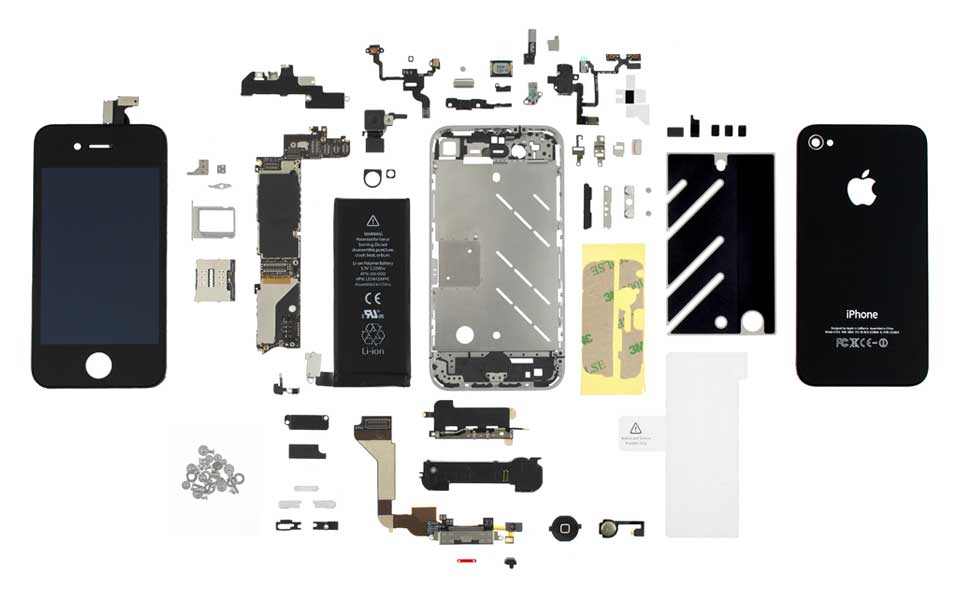
Before you start
Back up important photos and files if the device still works. Note its model number and describe the symptoms. Avoid opening a device with a swollen or damaged battery; ask a qualified technician for help.
Choosing a screen or part
Compare the exact model, connector, and listed screen technology. An LCD and OLED option can differ in more than price. Ask us to explain the choices for your phone.
Prefer an in-store repair?
Explore repair options and estimated pricing, then arrange a visit. We can inspect the device and explain the confirmed repair before you decide.
Already had a repair?
If a repaired part develops a problem, review defect coverage and contact our team. Select iPhone LCD repairs also have limited drop and OLED upgrade incentives.
