The Definitive Guide to iPhone 15 Pro Screen Repair Costs & Options
iPhone 15 Pro Screen Replacement Options: LCD vs. OLED
When you begin searching for an iphone 15 pro screen replacement, you will quickly discover that not all screens are built the same. Understanding the technical differences between available replacement screens helps ensure you do not accidentally compromise your viewing experience while fixing your iphone 15 screen without breaking the bank.
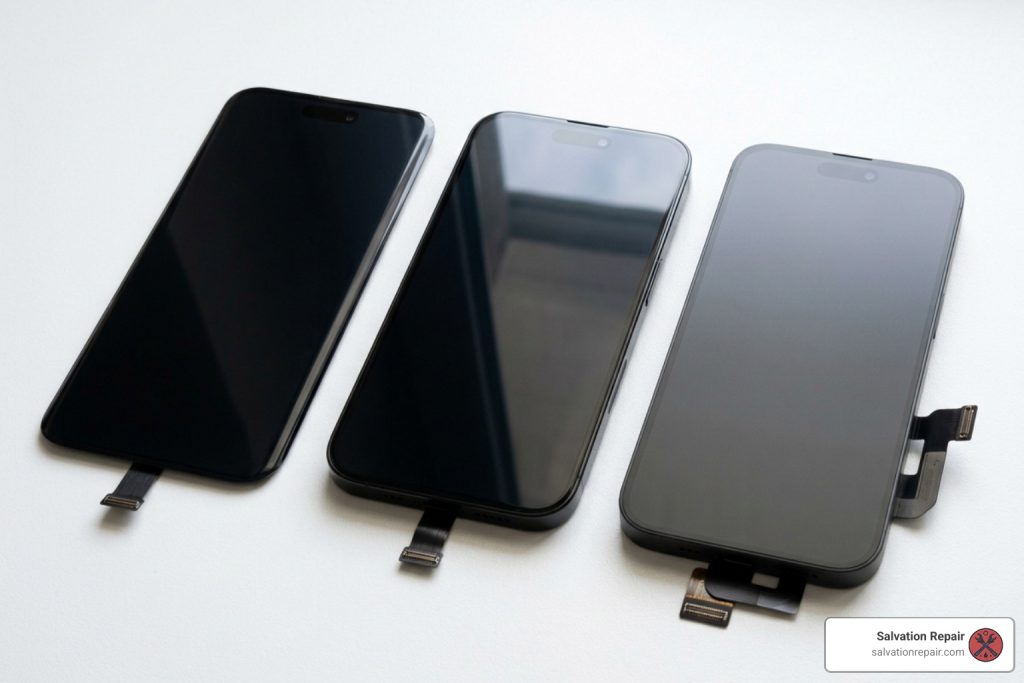
When selecting a display assembly, you must choose between three primary display technologies: Soft OLED, Hard OLED, and Incell LCD.
| Display Type | Quality Match | Refresh Rate | Durability | Relative Cost |
|---|---|---|---|---|
| Soft OLED | Near 1:1 OEM Match | Up to 120Hz | High (Flexible substrate) | Premium (~$150) |
| Hard OLED | Very Good | Up to 120Hz | Moderate (Rigid glass base) | Mid-range (~$155) |
| Incell LCD | Lower (Noticeable downgrade) | 80Hz max | High | Budget (~$24 – $100) |
Soft OLED vs Hard OLED Panels
The original iPhone 15 Pro features a flexible Super Retina XDR OLED display panel.
- Soft OLED Panels: These are manufactured using a flexible polymer substrate, mirroring Apple’s factory design. Soft OLED displays offer rich contrast ratios, deep blacks, high peak brightness, and excellent shock absorption against accidental drops.
- Hard OLED Panels: These utilize a rigid glass substrate instead of flexible plastic. While they deliver vibrant colors and 120Hz smooth motion at a lower production cost, the rigid glass makes them considerably more fragile. A small dropped blow that might leave a Soft OLED intact could easily shatter a Hard OLED screen internally.
Incell LCD Budget Alternatives
If keeping repair costs as low as possible is your primary goal, budget aftermarket Incell LCD panels exist. For instance, aftermarket options like the Screen Replacement for iPhone 15 Pro IC Removable Version WD 120Hz Black Incell bring down initial replacement part expenses significantly.
However, downgrading an OLED smartphone to an Incell LCD comes with noticeable performance trade-offs:
- Refresh Rate: Limited to 80Hz instead of full 120Hz ProMotion smoothness.
- Brightness: Capped around 500 nits, making outdoor viewing under direct sunlight difficult.
- Color Accuracy: Lower contrast levels with greyish black tones rather than true OLED blacks, along with higher battery consumption because LCD backlights must remain lit continuously.
iPhone 15 Pro Screen Repair Costs: DIY vs. Professional
Navigating screen replacement pricing requires comparing total out-of-pocket costs against service convenience, turn-around time, and warranty safety. Check out our comprehensive iphone screen repair cost guide 2026 for broader market insights.
Apple Official Service and Authorized Outlets
- Apple Genius Bar (Out-of-Warranty): Apple sets the standard out-of-warranty screen service fee for the iPhone 15 Pro at $329. If you carry active AppleCare+ coverage, accidental screen damage costs just $29.
- Apple Authorized Service Providers (e.g., Best Buy / Geek Squad): Authorized providers match Apple’s official $329 out-of-warranty pricing structure while offering the convenience of same-day local appointments using genuine OEM parts.
- Official Documentation: You can review official specs directly inside the iPhone 15 Pro Repair Manual – Apple Support . Apple backs all official repairs with a 90-day service guarantee.
Third-Party Repair Shops and DIY Repair Kits
For self-repair enthusiasts, standalone fix kits provide clear upfront savings:
- iFixit Soft OLED Kit: Retails around $149.99 (saving ~$179 compared to Apple).
- iFixit Hard OLED Kit: Retails around $154.99 (saving ~$174 compared to Apple).
- iFixit Incell LCD Kit: Retails around $99.99 (saving ~$229 compared to Apple).
- Bare Third-Party Components: Standalone raw display assemblies on sites like Repair Parts USA or Amazon start from $23.99 to $50, though these require purchasing specialized disassembly tools and perimeter adhesives separately.
Step-by-Step DIY Guide and Safety Precautions
Replacing an iPhone 15 Pro screen is rated at moderate difficulty and typically takes between 1 to 2 hours.
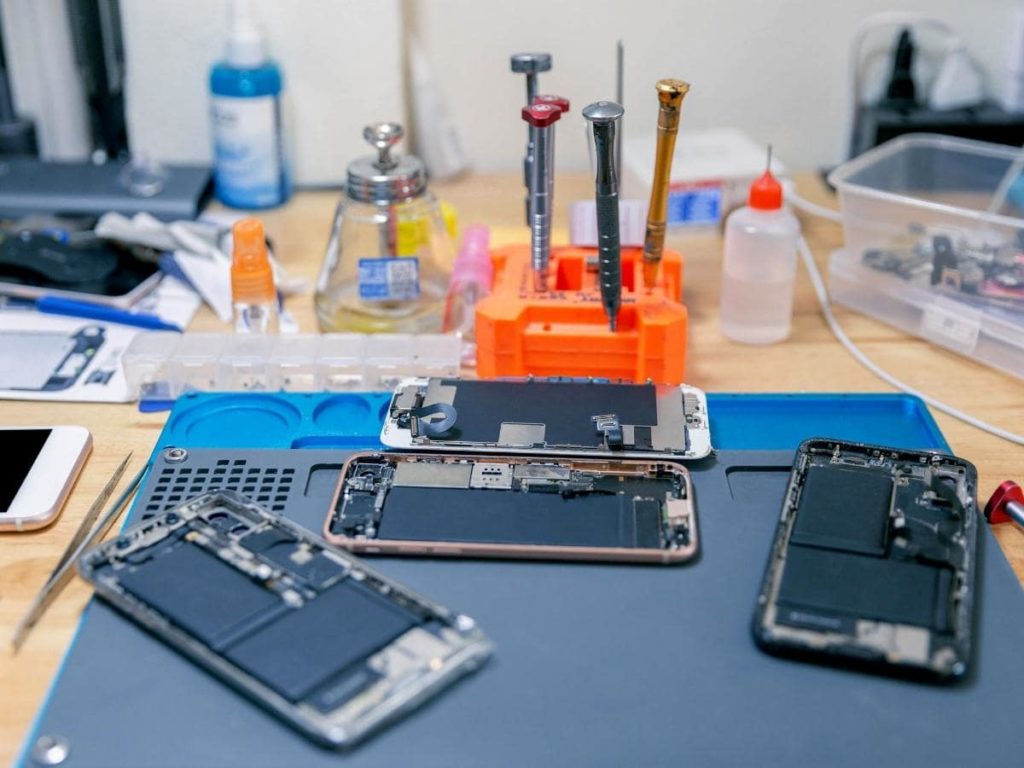
DIY iPhone 15 Pro Screen Replacement Process
Before starting, review detailed procedural steps on the iPhone 15 Pro Screen Replacement guide.
- Battery Safety Discharge: Discharge your iPhone 15 Pro battery below 25%. A fully charged lithium-ion battery can catch fire if accidentally punctured by repair tools.
- Apply Glass Tape: If the front glass is shattered, cover it completely with clear packing tape to prevent loose shards from breaking off during suction handle removal.
- Remove Pentalobe Screws: Unscrew the two 7 mm P2 pentalobe screws situated on either side of the USB-C charging port.
- Heat Perimeter Adhesive: Apply a heated pad or heat gun gently along the bottom edge of the phone to soften the water-resistant adhesive seal.
- Slice Perimeter Seal with Opening Picks: Attach a suction handle near the bottom edge and lift gently to create a thin gap. Insert an opening pick. Crucial depth limits:
- Bottom/Top edge: Do not insert deeper than 3 mm.
- Right edge: Do not insert deeper than 5 mm.
- Left edge: Do not insert deeper than 2 mm to avoid severing internal flex cables or damaging board spring contacts.
- Open Chassis and Disconnect Battery: Swing the display open to the right side like a book. Remove the logic board bracket screws (Y000 bit) and disconnect the battery press connector first before disconnecting any display ribbon cables.
- Transfer Sensor Assembly: Unbolt the ambient light sensor bracket and carefully transfer the ambient light sensor flex cable from the old screen to the new display assembly to maintain proper system sensors.
- Reconnect and Test: Attach display cables, reconnect the battery press connector, power on the device to test touch sensitivity, and turn it off before closing.
Avoiding Mistakes During iPhone 15 Pro Screen Replacement
- Do Not Tear Ribbon Cables: Take extreme care around the display flex cables along the left side. Prying forcefully or inserting picks too deep will ruin the display.
- Clean the Frame Thoroughly: Remove old adhesive remnants using a spudger, followed by cotton swabs dipped in >90% isopropyl alcohol. Fresh custom pre-cut adhesive gaskets will not bond properly if old residue remains.
- Apply Even Compression: After placing the new display into position, compress the unit under a light weight (like books) for 30 minutes to ensure the adhesive seal forms an airtight bond.
If you ever feel uncomfortable tackling these delicate steps on your own, turning to a trusted provider for professional iphone repair is always a wise choice.
Post-Replacement Issues: True Tone, Face ID, and iOS 18 Calibration
Replacing your display hardware is only half the battle — software authentication plays a vital role in modern iPhone hardware repairs.
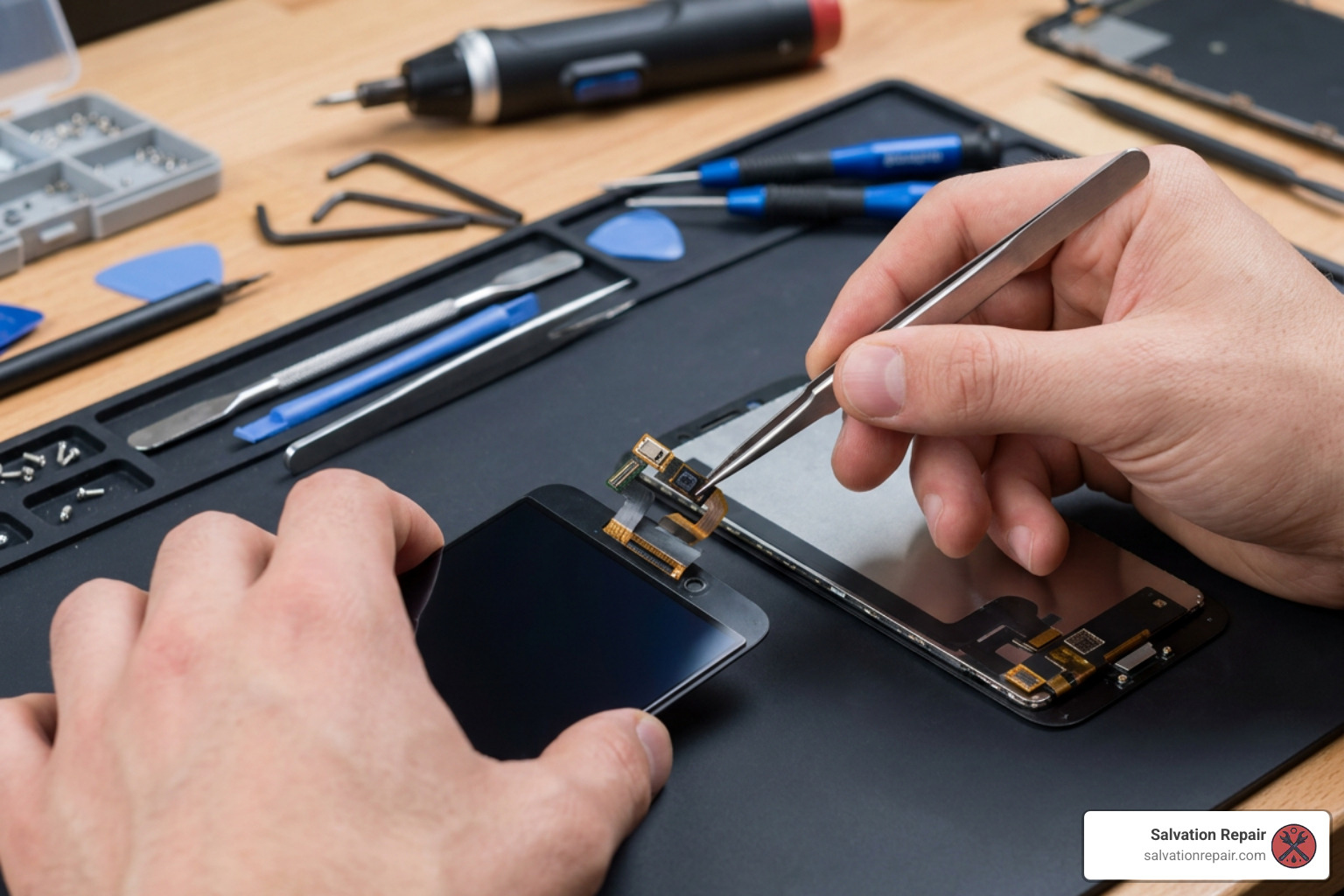
Restoring True Tone and Display Calibration
Apple historically tied screen serial numbers directly to the logic board. Swapping a screen without system pairing used to trigger non-genuine display warnings and disable True Tone along with auto-brightness.
Technicians often used hardware programmers (like JC True Tone tools) or purchased “IC removable” flex screens to solder the original screen’s chip onto the new panel.
However, with iOS 18, Apple introduced the Repair Assistant feature! If you install a genuine original Apple replacement screen, you can now calibrate it directly on your device:
- Update to iOS 18.
- Go to Settings to General to About to Parts & Service History.
- Select Restart & Finish Repair and follow the prompts to pair your new display cleanly.
Preserving Face ID and Ingress Protection
- Face ID: The TrueDepth camera sensor hardware is paired to your logic board. As long as you transfer your original top sensor flex assembly gently without ripping delicate traces, Face ID remains 100% operational.
- Water Resistance: Opening your iPhone destroys the factory IP68 seal. You must clean old glue thoroughly and install a brand-new perimeter adhesive gasket upon reassembly to restore water resistance.
Frequently Asked Questions about iPhone 15 Pro Screen Repairs
Will DIY screen replacement disable Face ID on the iPhone 15 Pro?
No, as long as you carefully transfer the original front sensor flex cable from your old screen to the new screen assembly without tearing it, Face ID will remain completely functional.
How does iOS 18 Repair Assistant affect third-party screen replacements?
The iOS 18 Repair Assistant simplifies calibration for original Apple parts. If you install a genuine replacement display, you can run Repair Assistant via Settings to eliminate “Unknown Part” messages and restore True Tone automatically without needing external programming hardware.
How much can I save by replacing the iPhone 15 Pro screen myself?
Compared to Apple’s $329 out-of-warranty service fee, buying a Soft OLED DIY kit ($149.99) saves you about $179. Choosing a budget Incell LCD DIY kit ($99.99) saves you about $229.
Conclusion
Whether you choose a DIY repair kit or opt for professional service, understanding display options and calibration requirements ensures your iPhone 15 Pro performs flawlessly for years to come.
If you prefer leaving complex repairs to experienced hands, our expert team at Salvation Repair is here to help! Located right here in Laurel, MS, we proudly serve neighbors across Jackson, Ellisville, Soso, Meridian, and all of Jones County. We fix “any device with a power button,” offering price matching and an industry-leading lifetime warranty.
We believe in complete transparency and maximum speed for our local customers:
- iPhone Screen Repairs: Finished in just 10-15 minutes — performed right in front of you while you wait!
- iPhone Battery Swaps: Finished in 30 minutes.
- Charging Port Repairs: Finished in 1 hour.
Need repairs for other devices or family members’ phones? Here is how transparent our pricing is across different display types and models:
- Samsung Galaxy S22 Ultra (Labor Included):
- Aftermarket OLED: $219.95
- Refurbished OEM: $309.95
- New OEM: $339.95
- iPhone 16 Pro:
- AQ7 LCD / Standard LCD: $149.95
- OLED: $199.95
- iPhone 16 Pro Max:
- Standard LCD: $129.95
- Aftermarket OLED: $219.95
- OEM Refurbished: $399.95
- New OEM: $469.95
Read our complete breakdown on iphone 15 screen repair laurel everything you need to know or visit our shop today to bring your phone back to life in minutes!
